Sign in
Guest menus

Your menu, on every table and every phone. Always right.

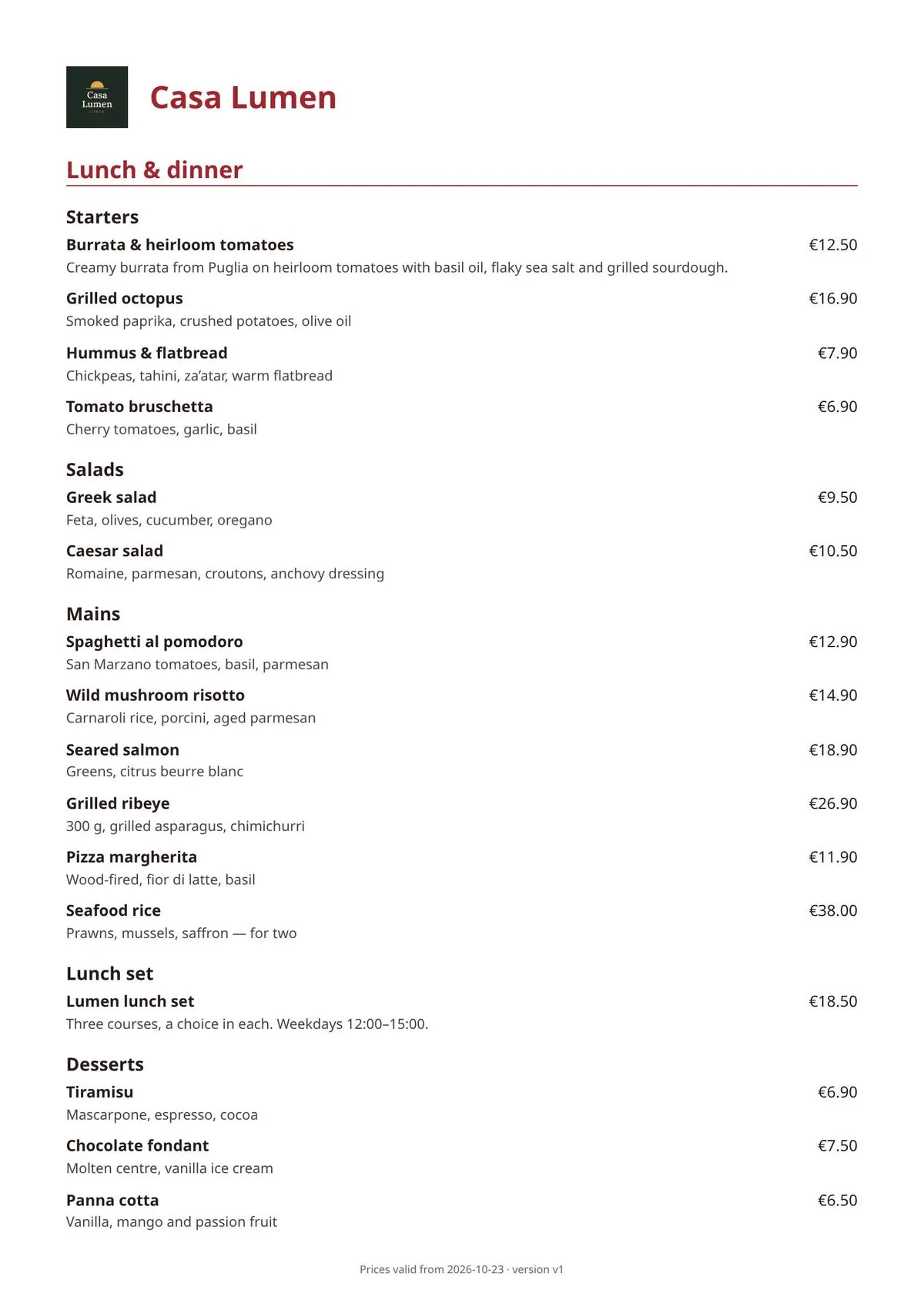
One menu for the table tablet, the QR code and your website. Edit it once, and every screen shows the change in seconds.

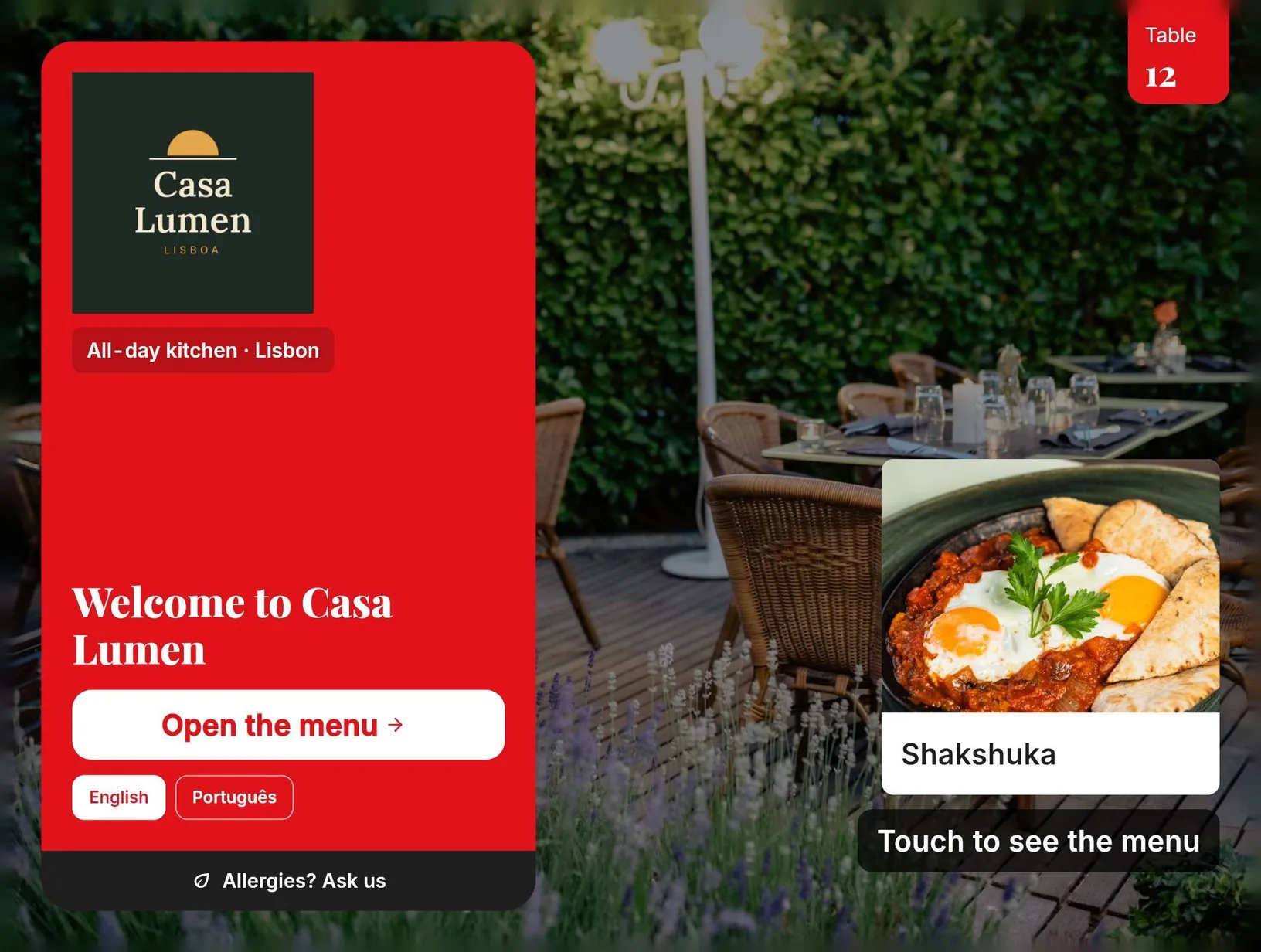
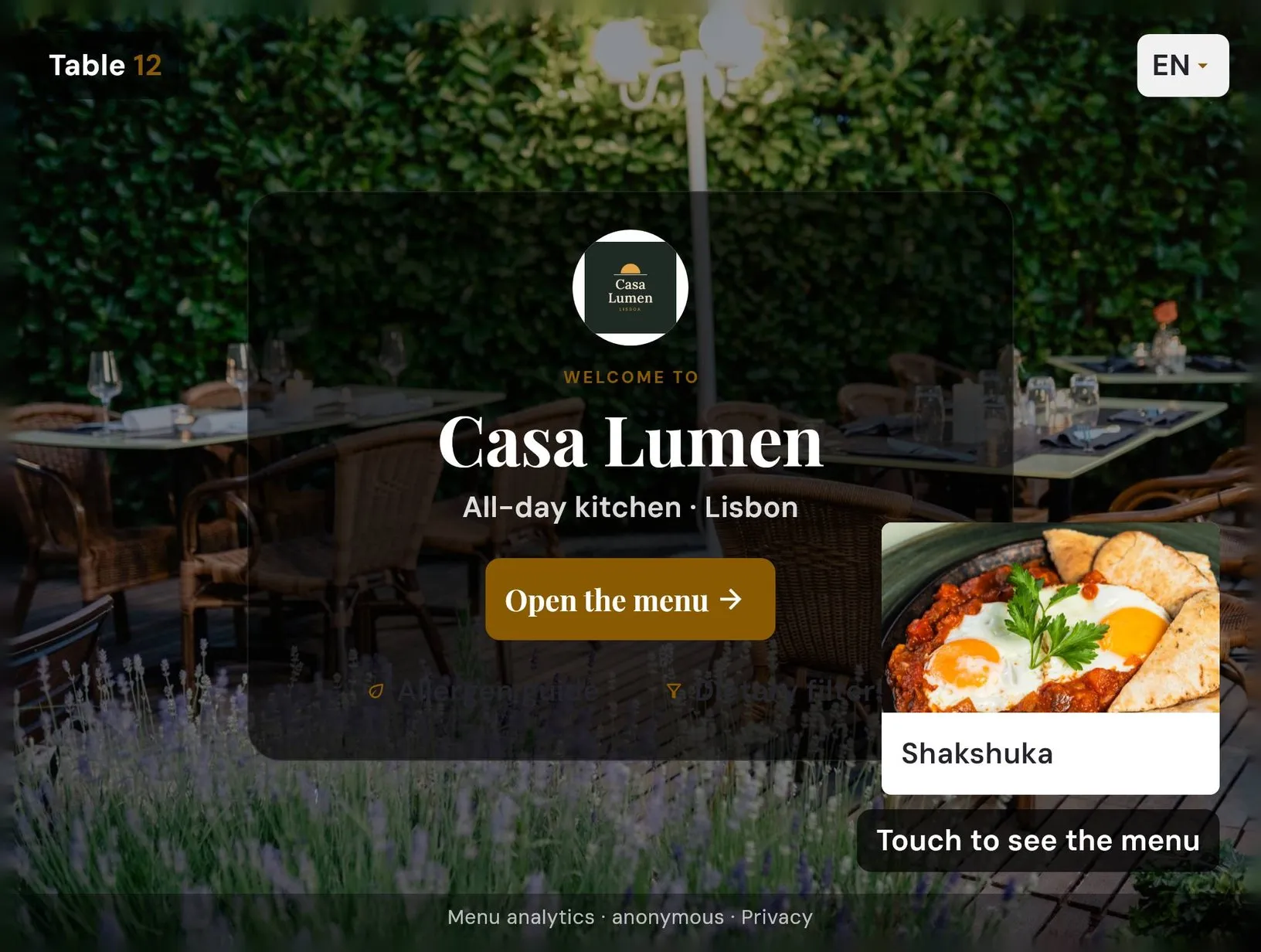
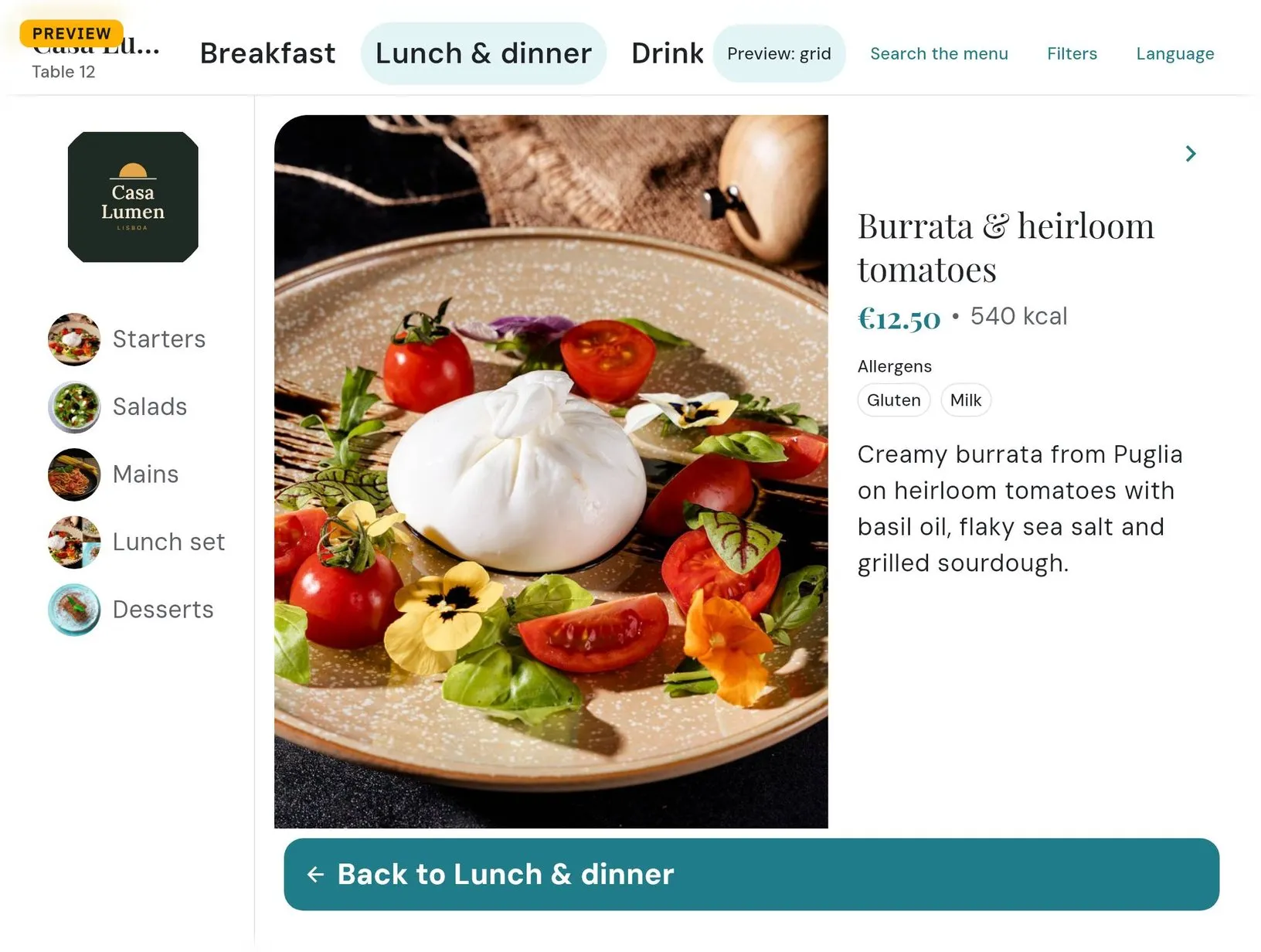
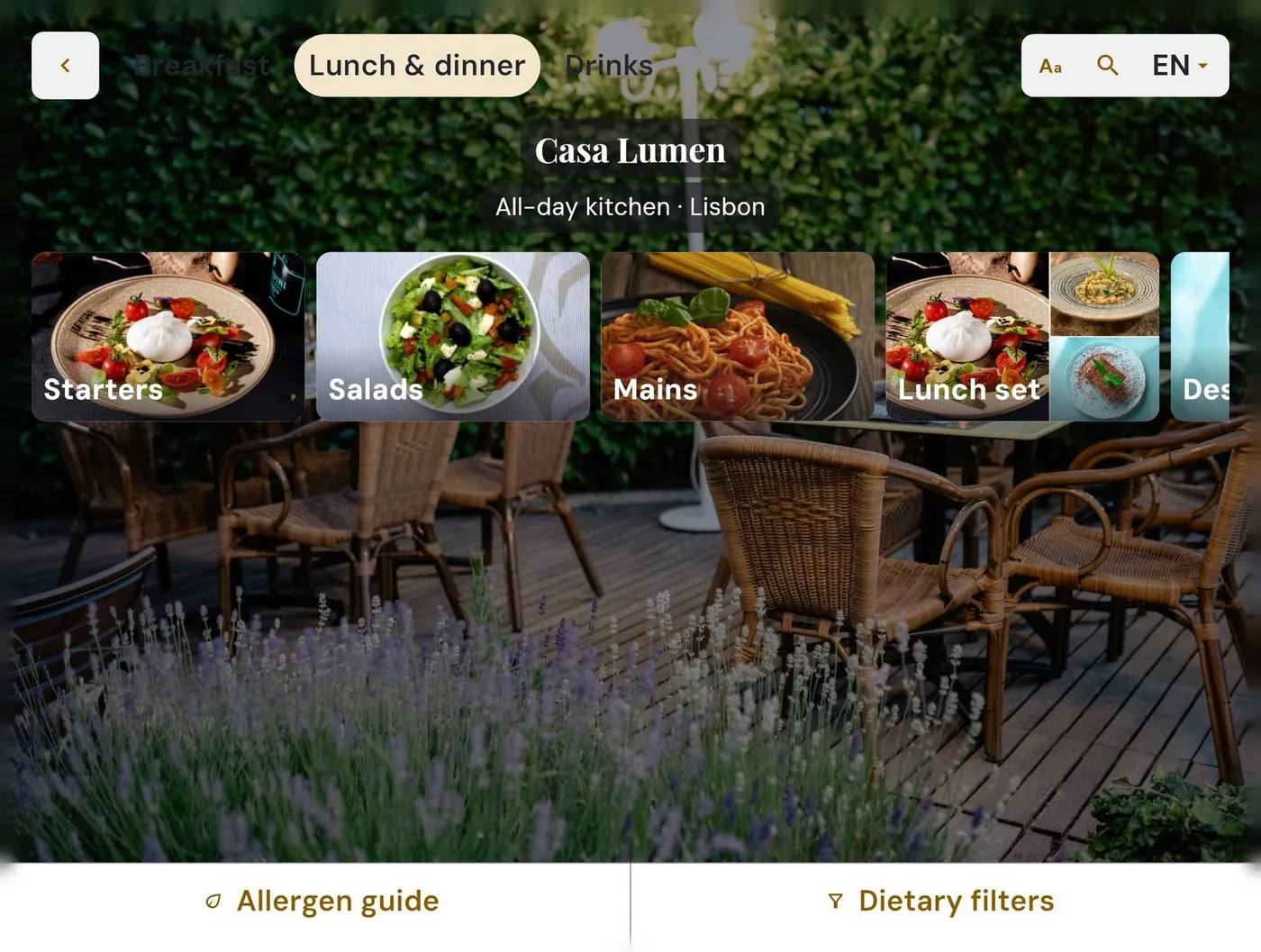
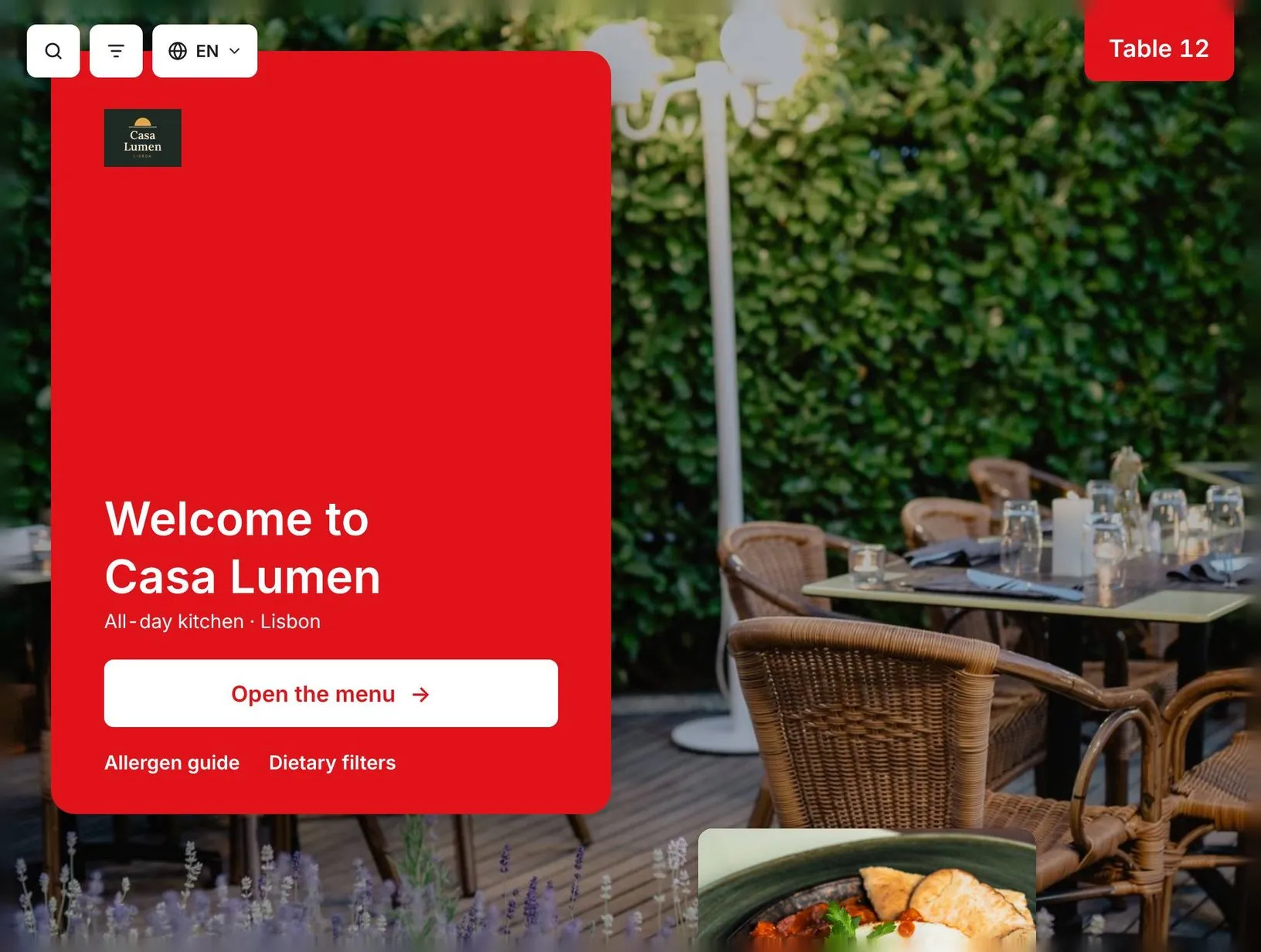
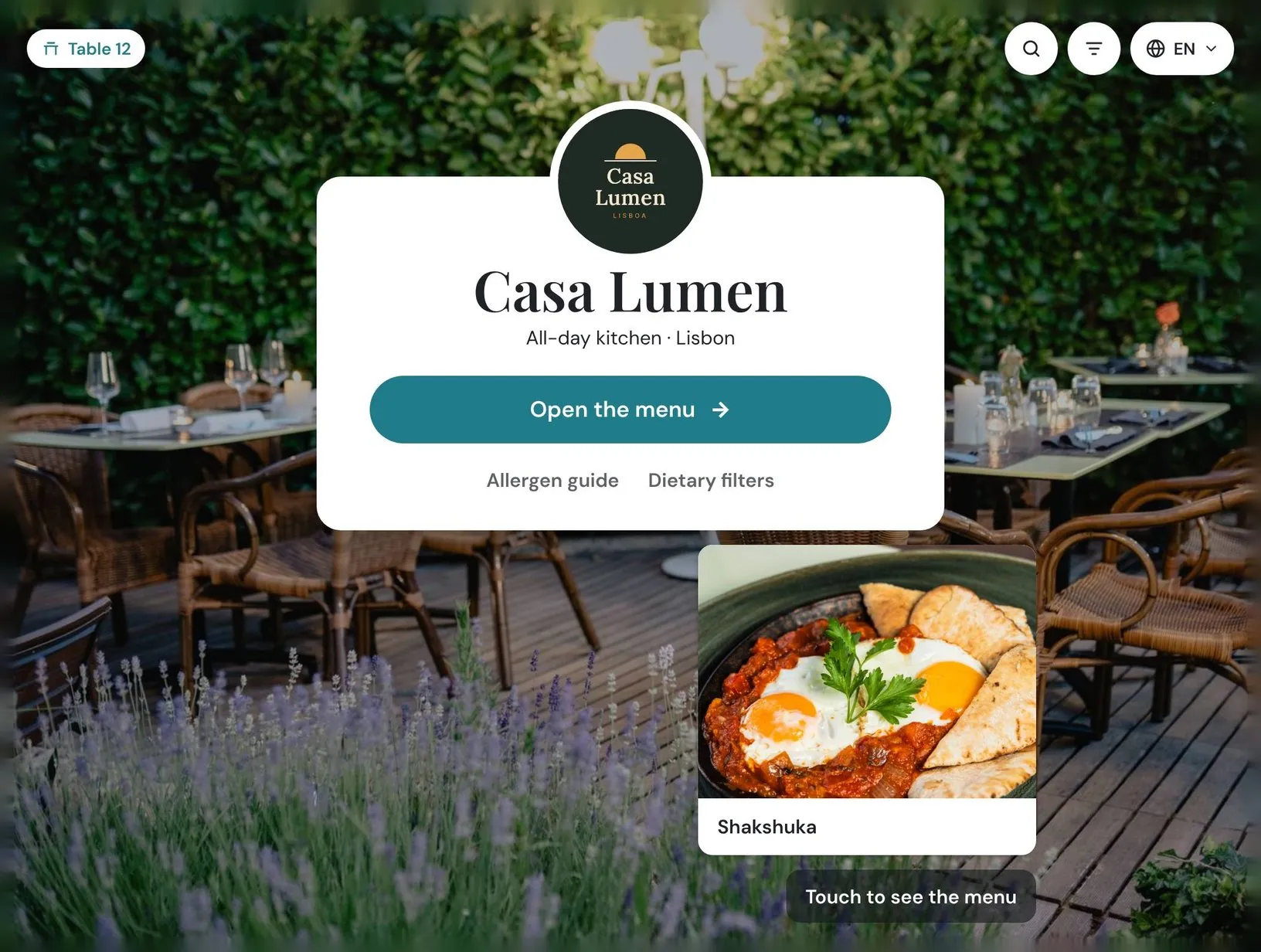
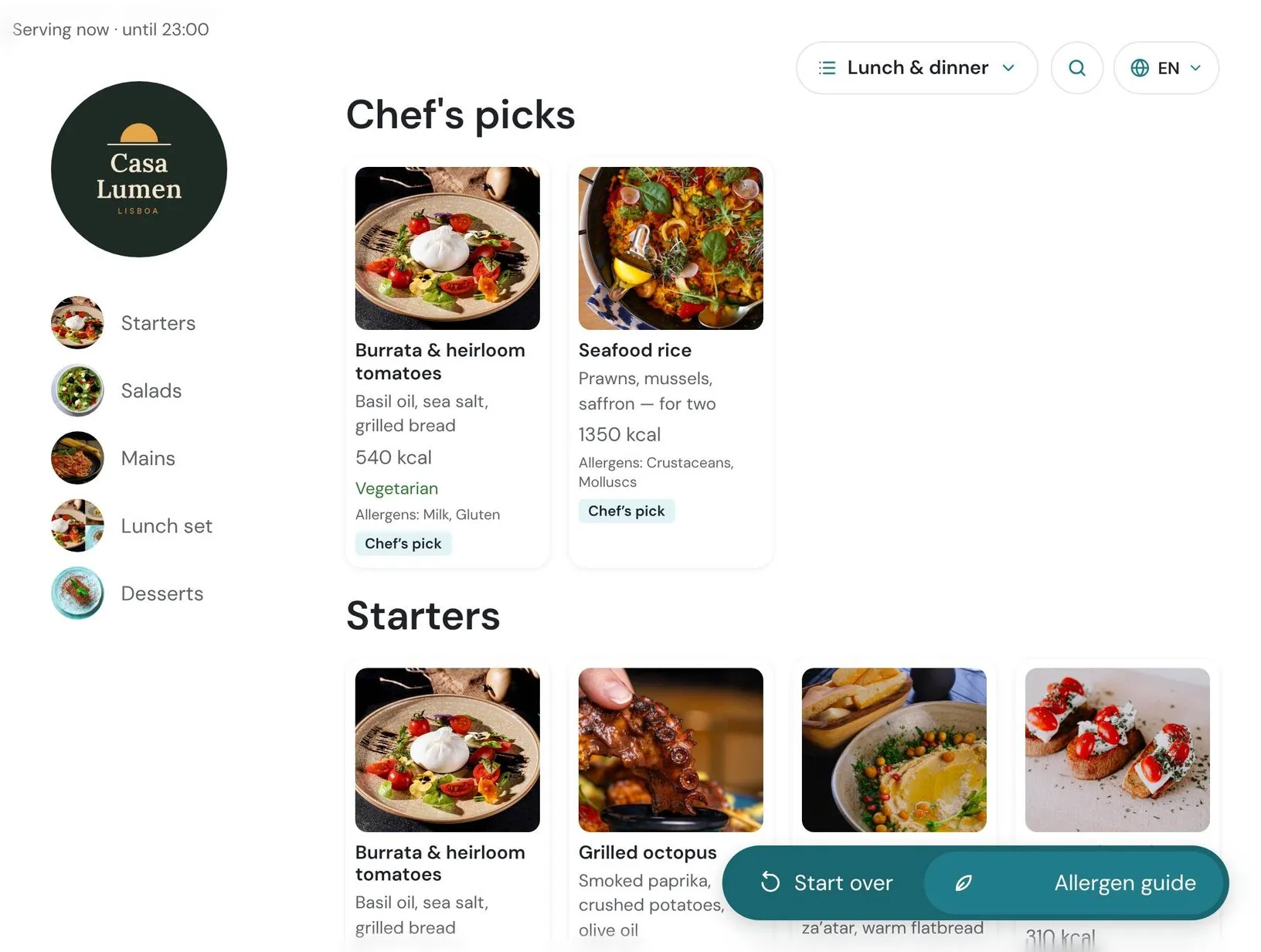
Table tablet showing the Casa Lumen start screen
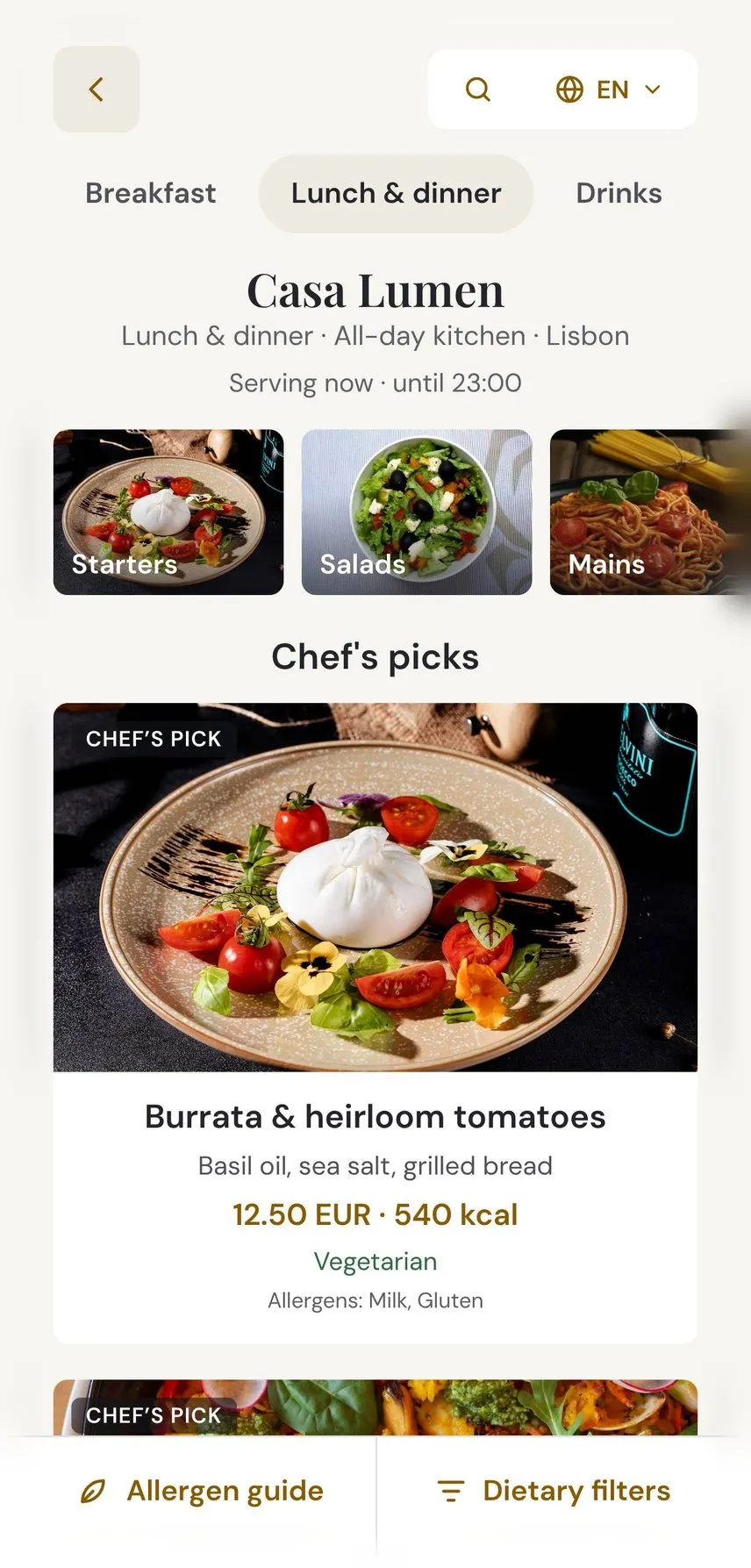
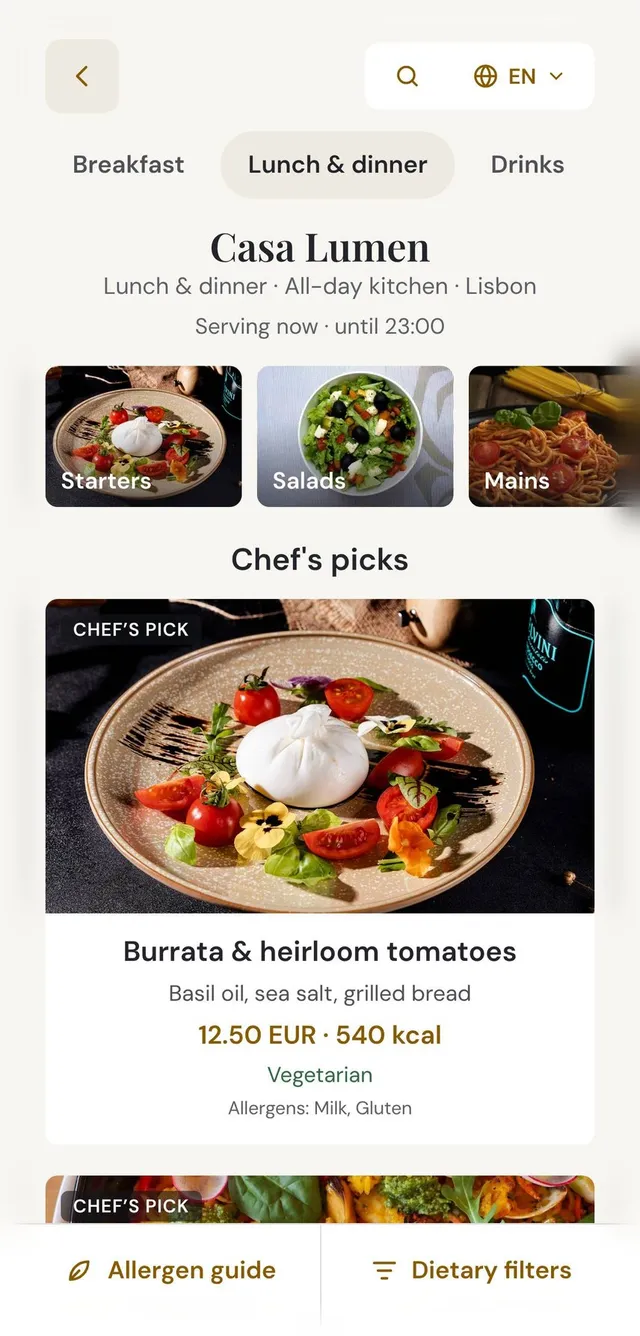
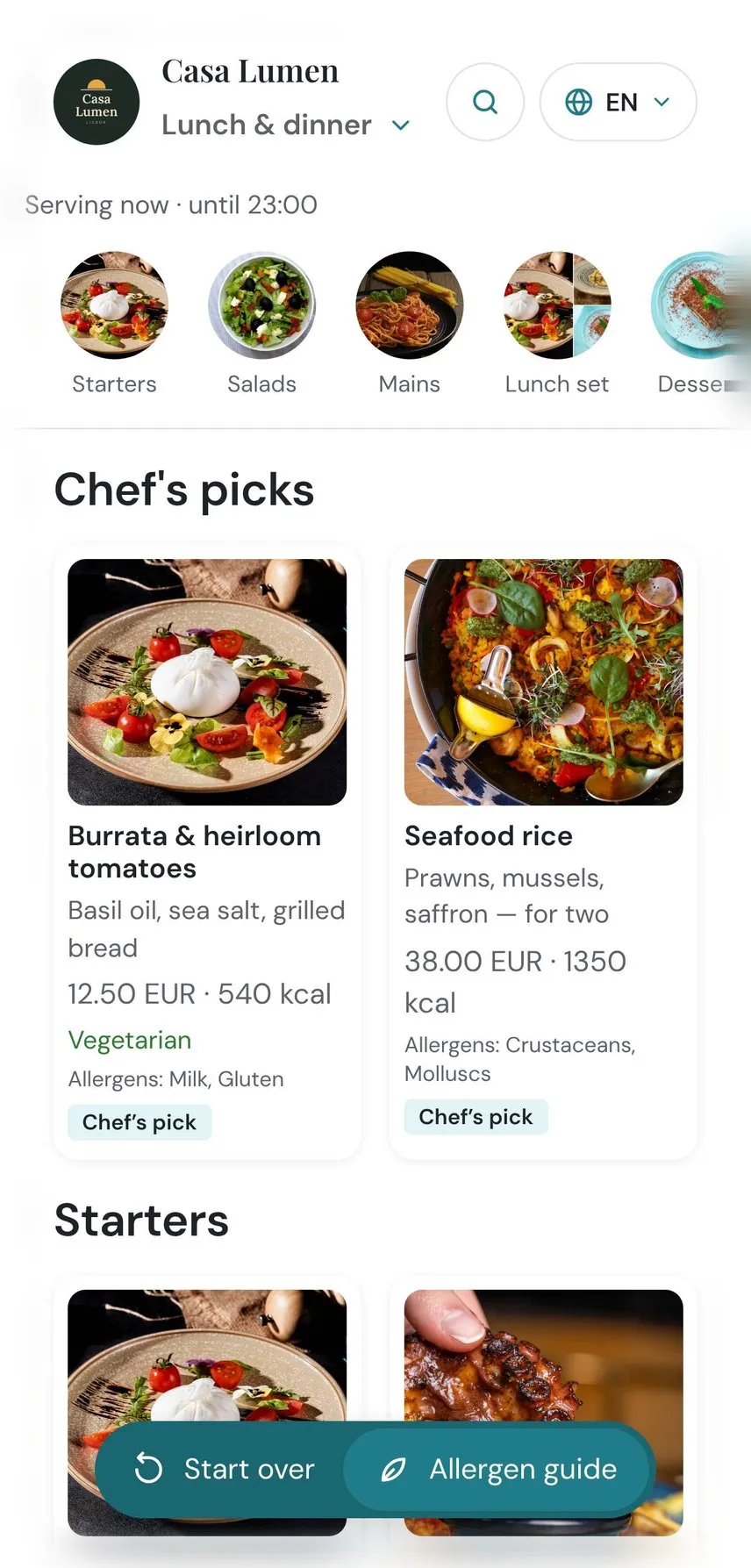
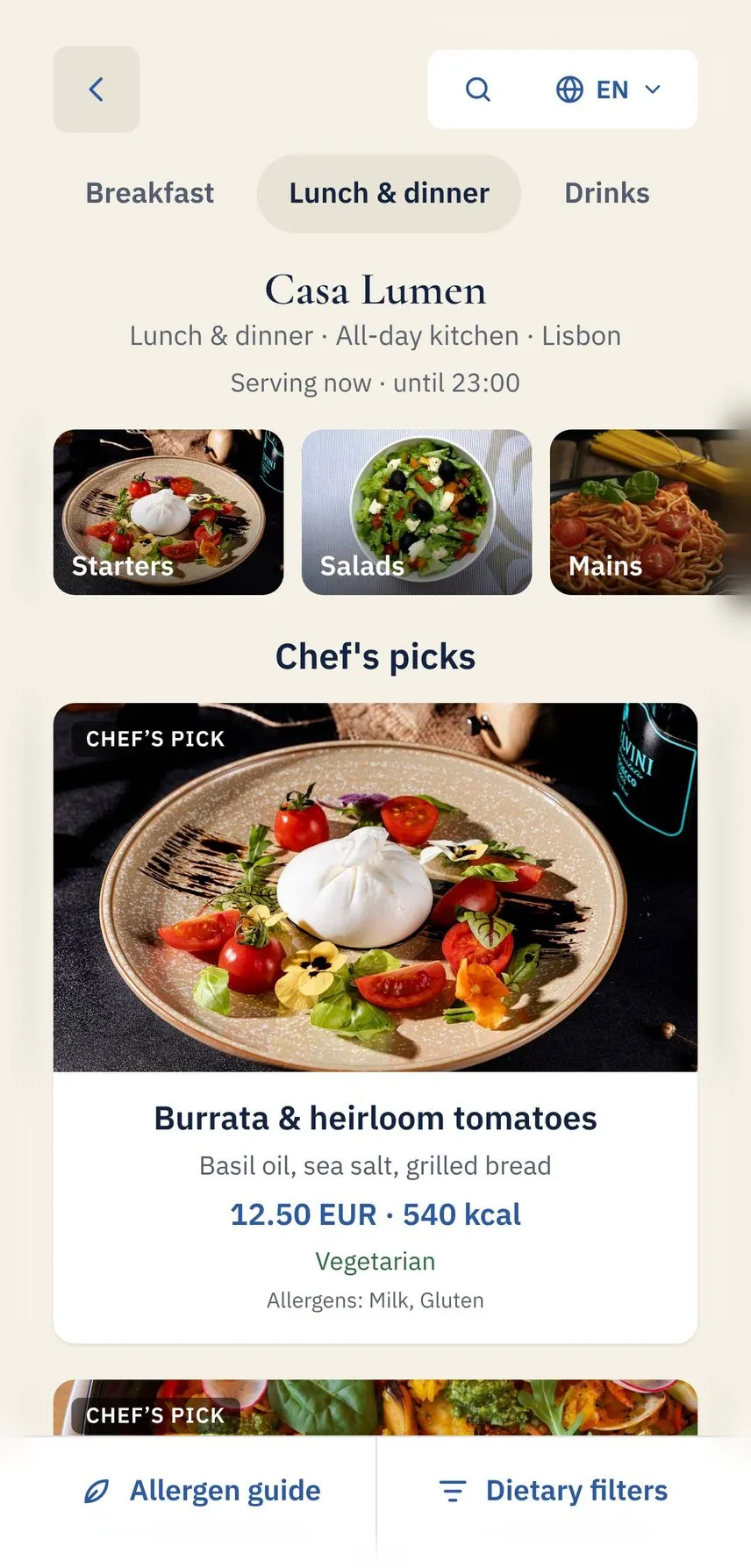
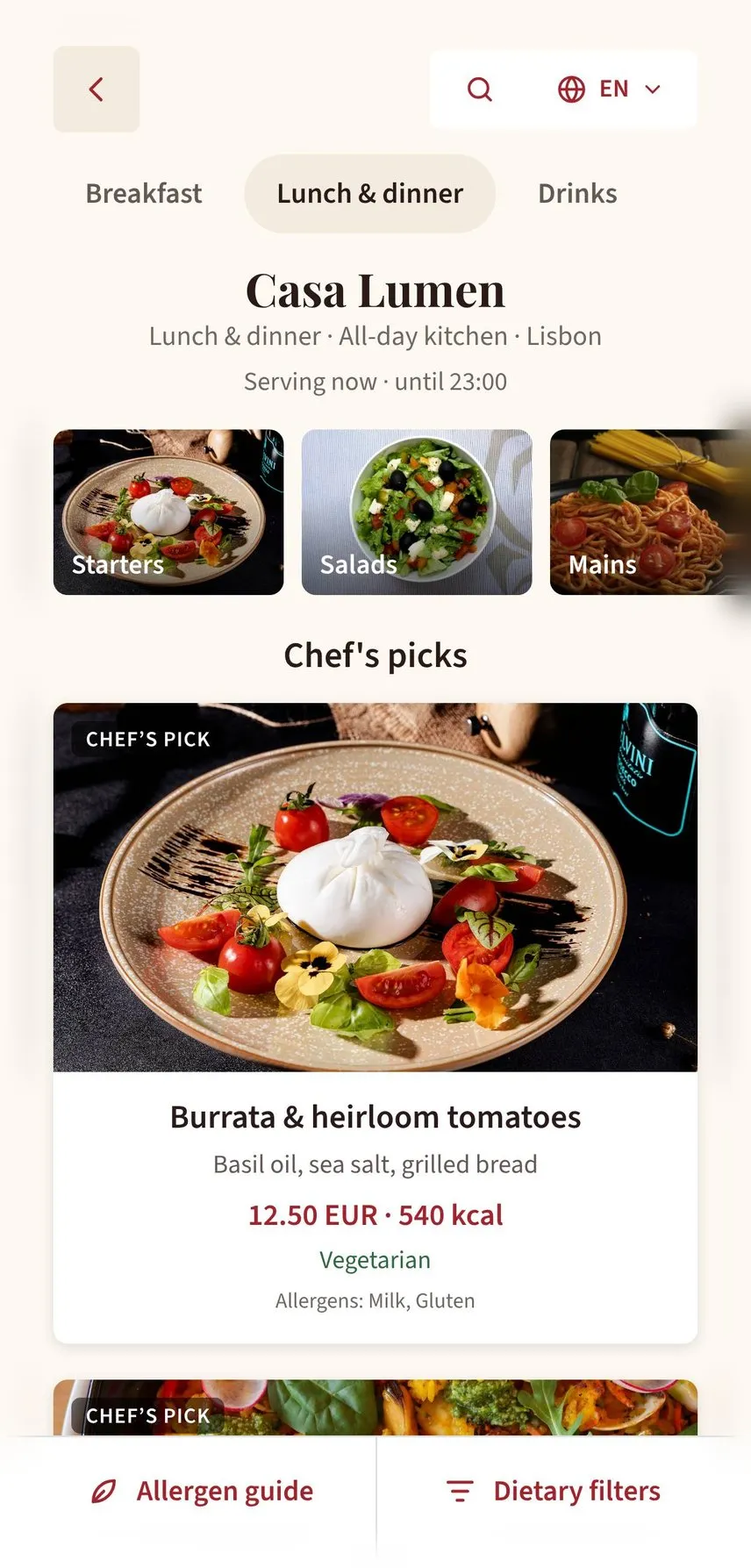
The same menu on a phone, opened from the QR code
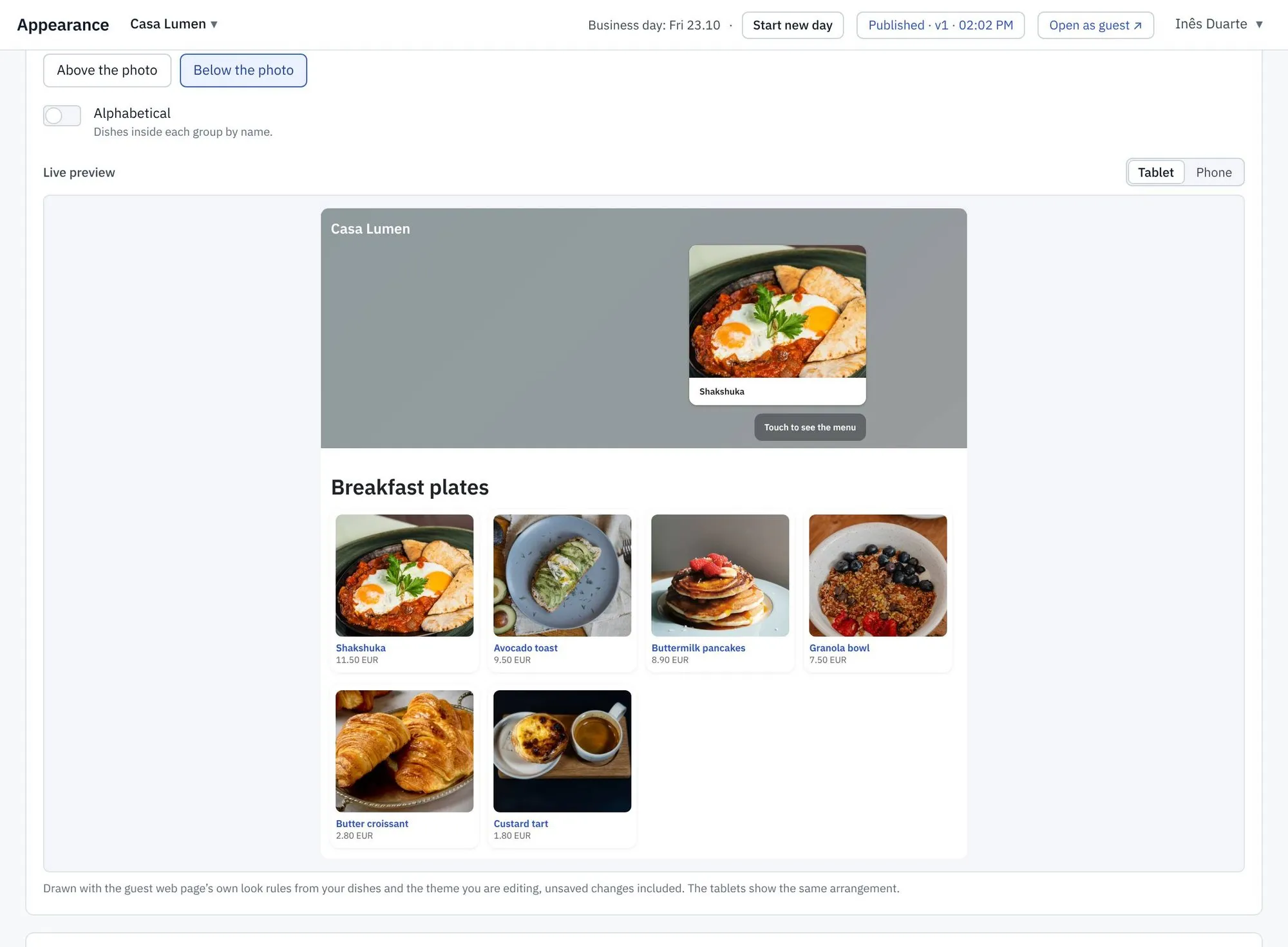
Appearance · Live preview
Appearance settings with a live tablet preview
The tablet on the counter showing the dish being edited
Live preview

See every change before your guests do

Change a dish, a photo or a colour, and the tablet on your counter shows it within two seconds, before you publish. Turn on "Follow the editor" and the device moves to whatever screen you are editing. What you see is exactly what your guests will get.

Look builder

Build the look. No designer needed.

Pick cards, a photo grid or a clean list. Choose the number of columns, where titles sit, and whether dishes sort A to Z. Set the start screen: your logo, a featured dish, a line that invites guests to tap. Your logo appears in every look.

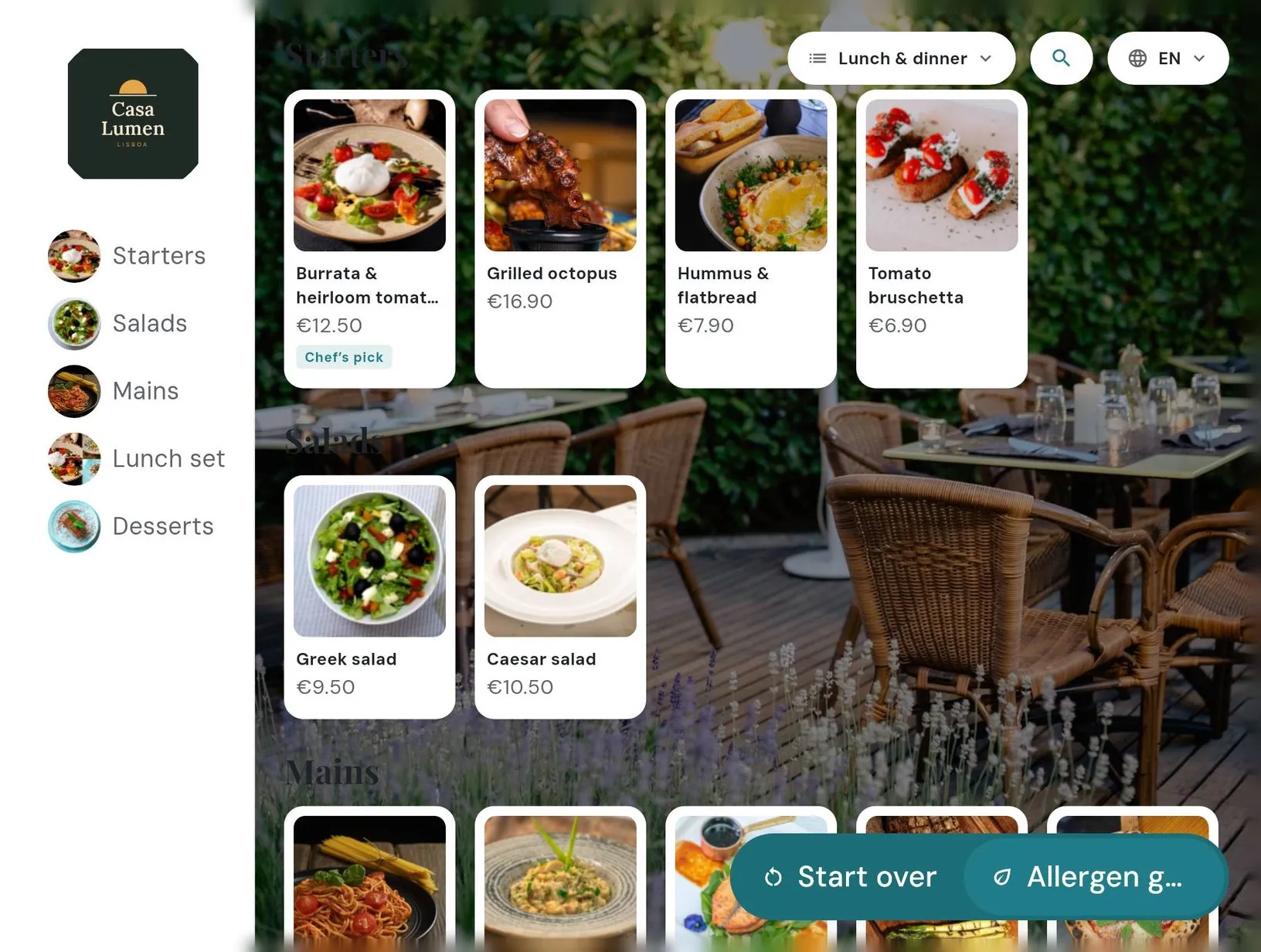
Tablet menu, cards look
Phone menu, cards look

Start screens

Start screen with logo and featured dish
Start screen in brand colour
Start screen with a centred card

Design examples show how a menu can be assembled in the Tea & Key editor.

Menu on the table tablet
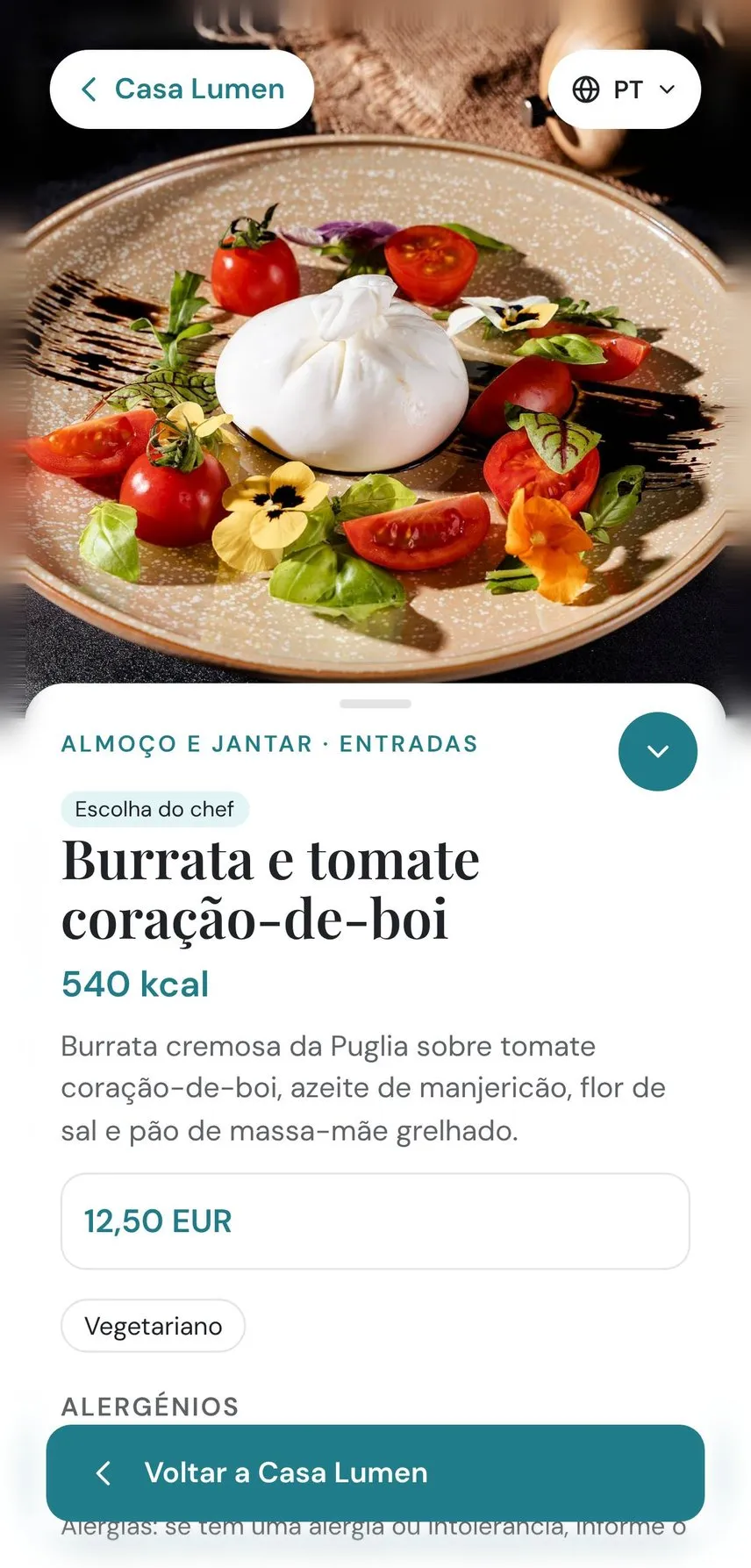
The same menu on a phone
One menu, every screen

The tablet and the web look the same

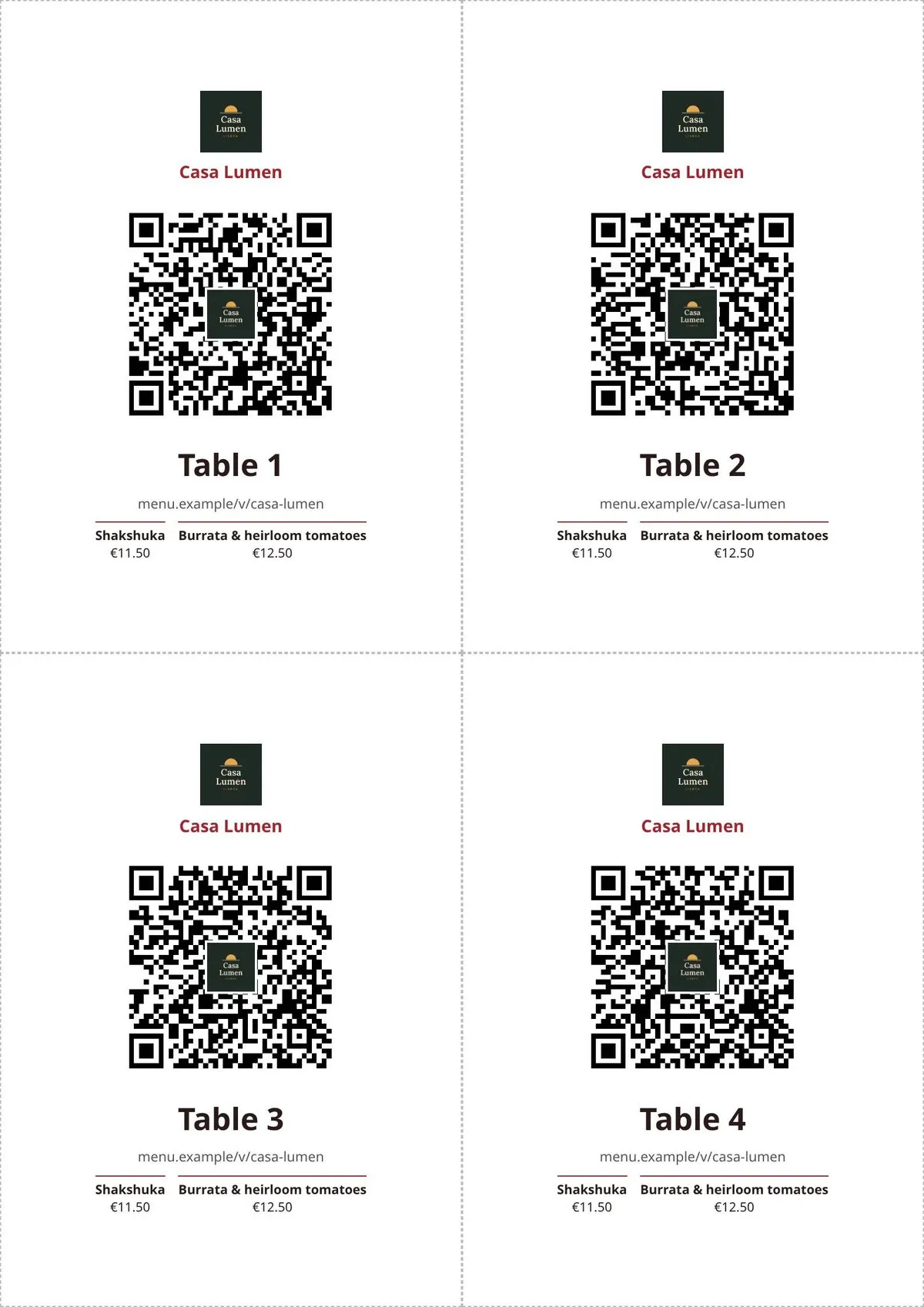
Guests who scan the QR code on their phone see the same look as the tablet on the table. The first screen is ready the moment the page opens: no flicker, no loading spinner. Embed the menu in your own website with one line.

Your brand

Your colours, your fonts, your name

Themes carry your palette, typography and imagery to every device. Edit a theme with autosave and nothing goes live until you apply it. On white-label plans, the menu is yours alone, with your own banners and no Tea & Key branding.

Menu in a blue theme
Menu in a red bistro theme
Menu in a warm showcase theme
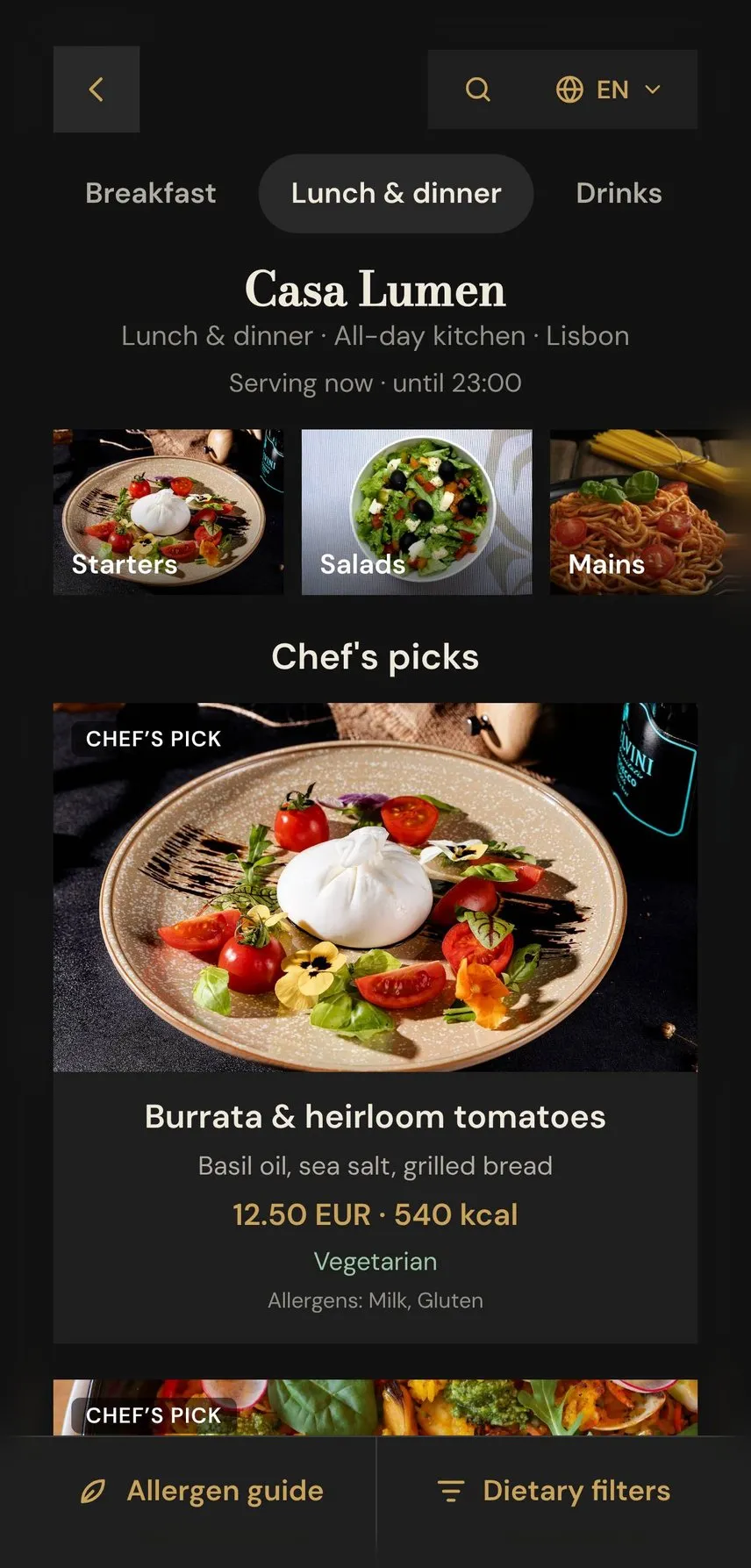
Menu in a dark theme
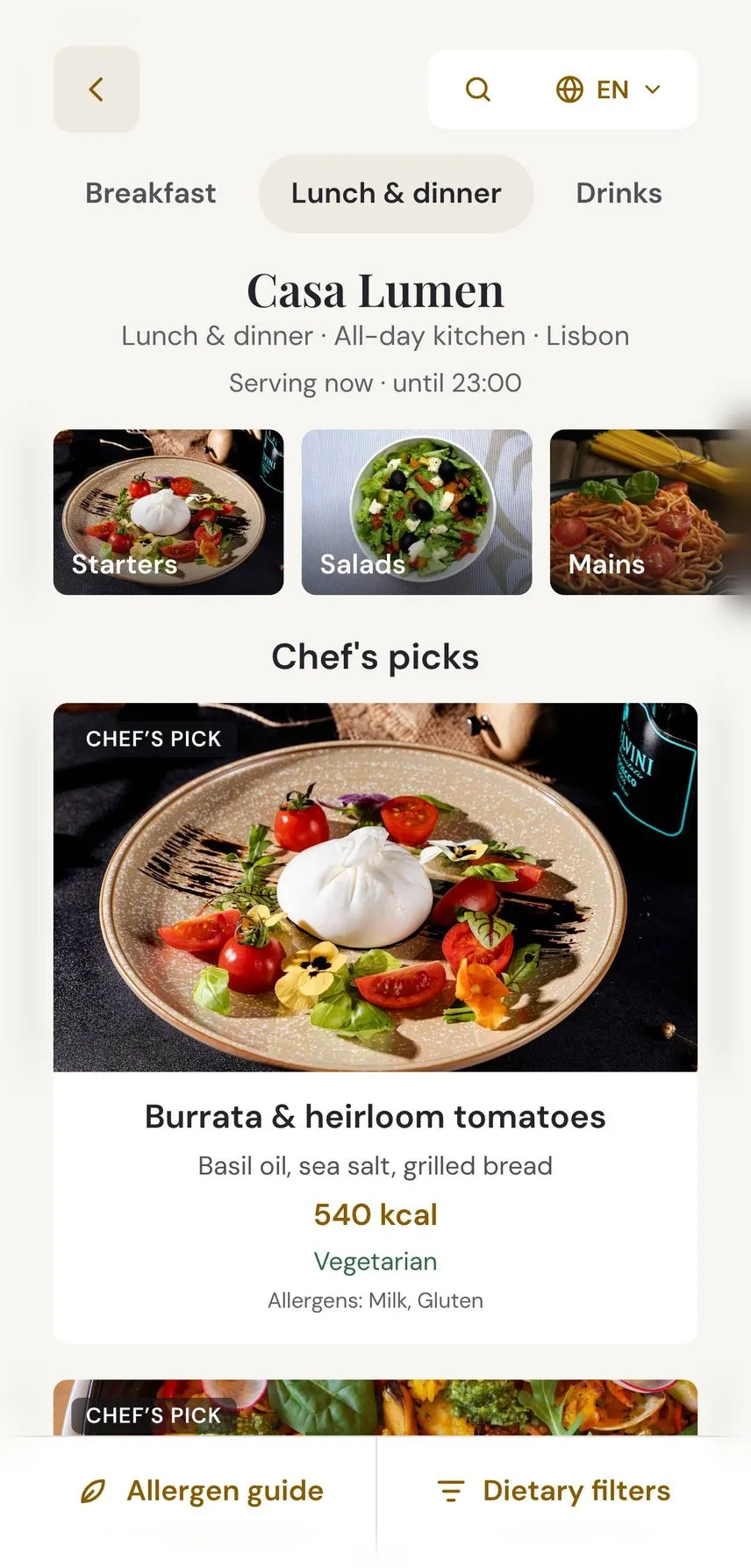
Menu grid with no prices
Dish cards with no prices on a phone
Hidden prices

Show the food. Keep the prices off the screen.

Some menus sell better without numbers: a tasting menu, a banquet, a showcase in the lobby, a market where prices need approval. Switch prices off for a venue, and every screen shows dishes, photos and descriptions with no price at all. Even translated descriptions are checked so a price can't slip back in.

The right menu at the right hour

Breakfast at eight, dinner at six. Automatically.

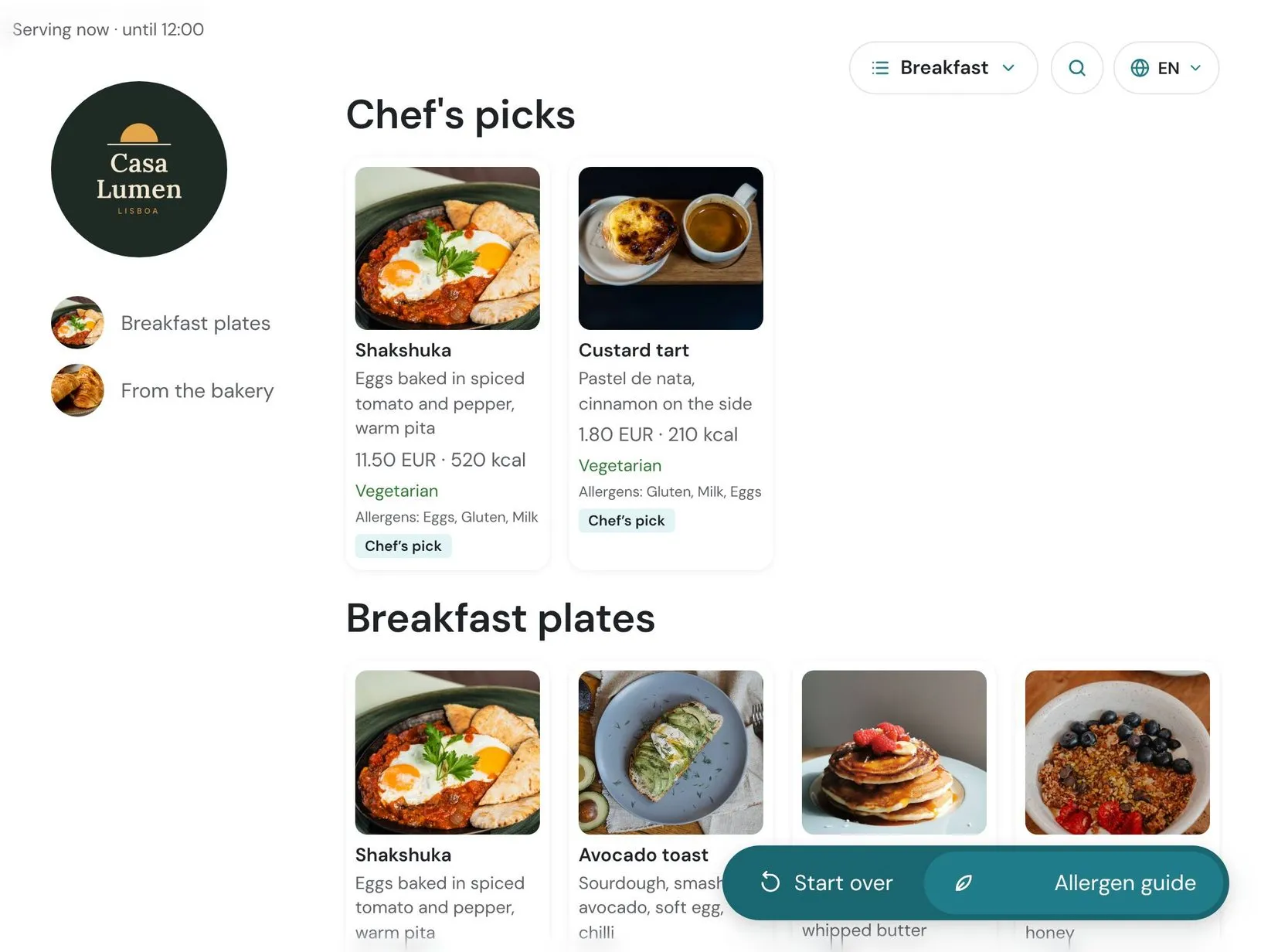
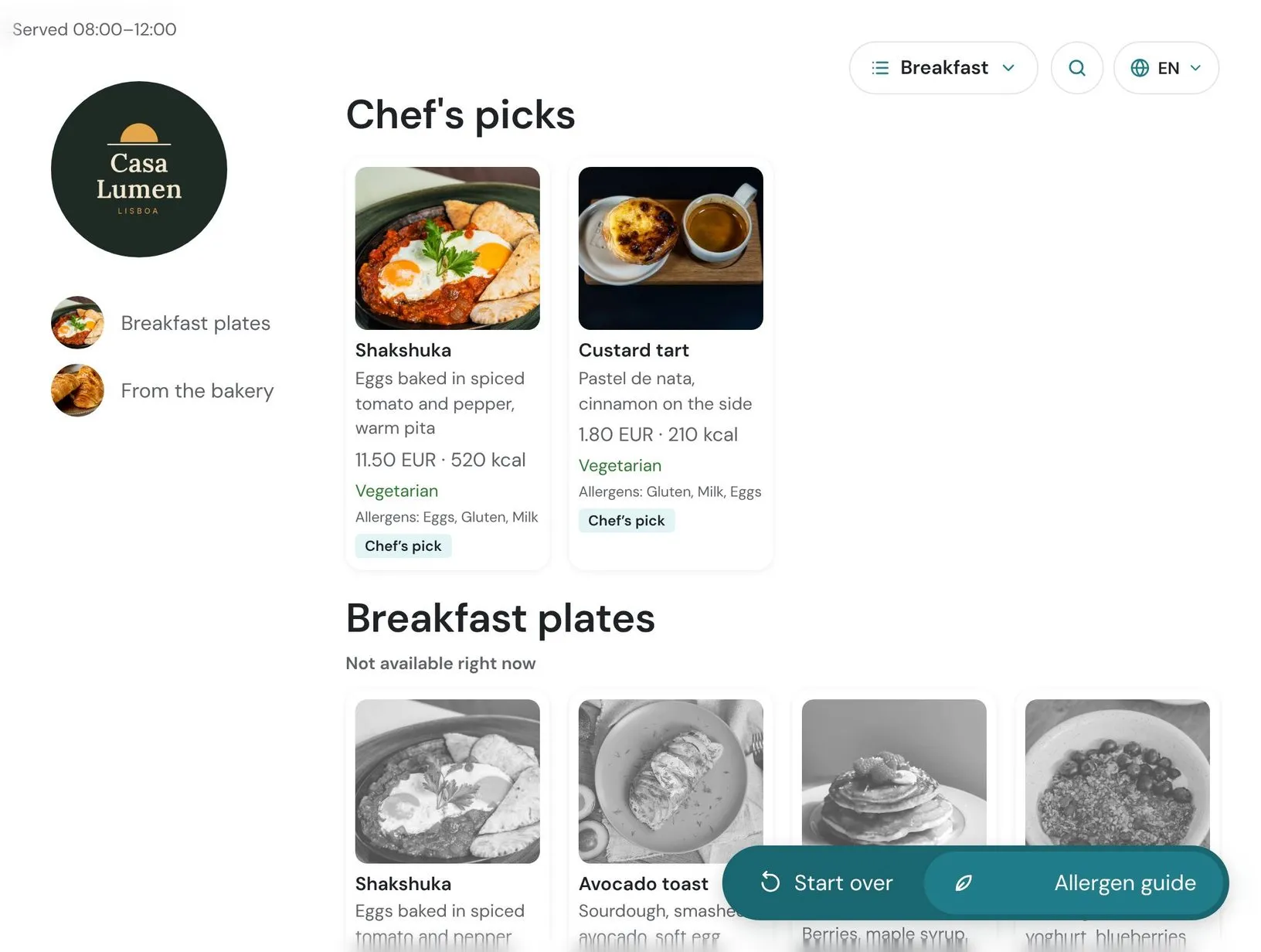
Set when each section is available, and the menu follows your business day: breakfast disappears when the kitchen switches to lunch, and late-night dishes show up after ten. Start a new business day with one tap, and undo it within fifteen minutes if you tapped too early. Open around the clock? The menu says "Open 24 hours".

Morning: breakfast plates are served
Morning Breakfast is on the menu
Evening: breakfast plates are greyed out
Evening Breakfast steps aside by itself
Promotions
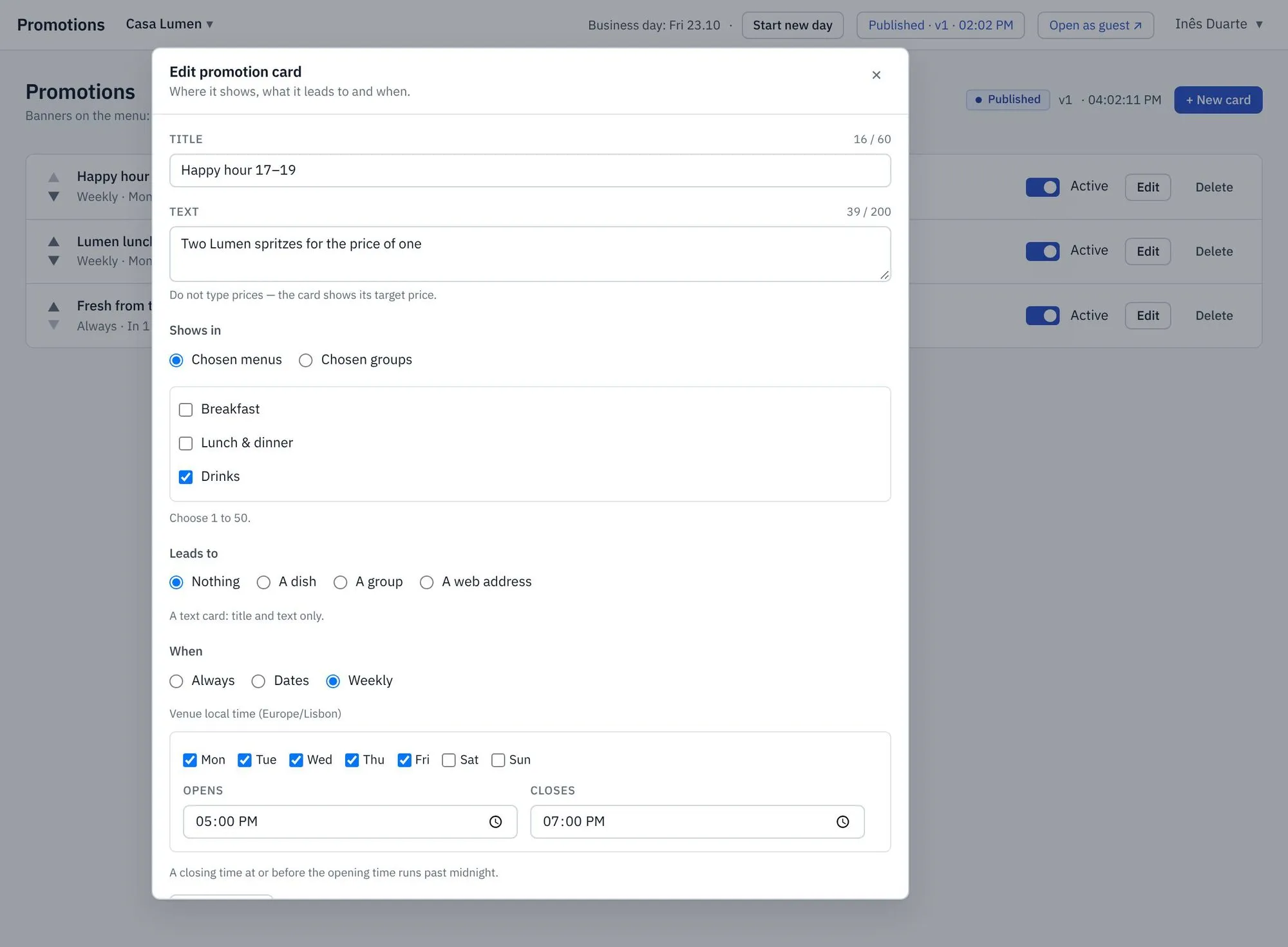
Promotion card set to weekdays from 17:00 to 19:00
Promotions that play by the rules

Happy hour, done right

Schedule a promotion once: "Happy hour 17–19". Guests see it labelled on the menu, and during the window the discount price appears with the regular price struck through. The lowest price of the last 30 days is calculated for you, so your offers stay compliant with price-display rules.

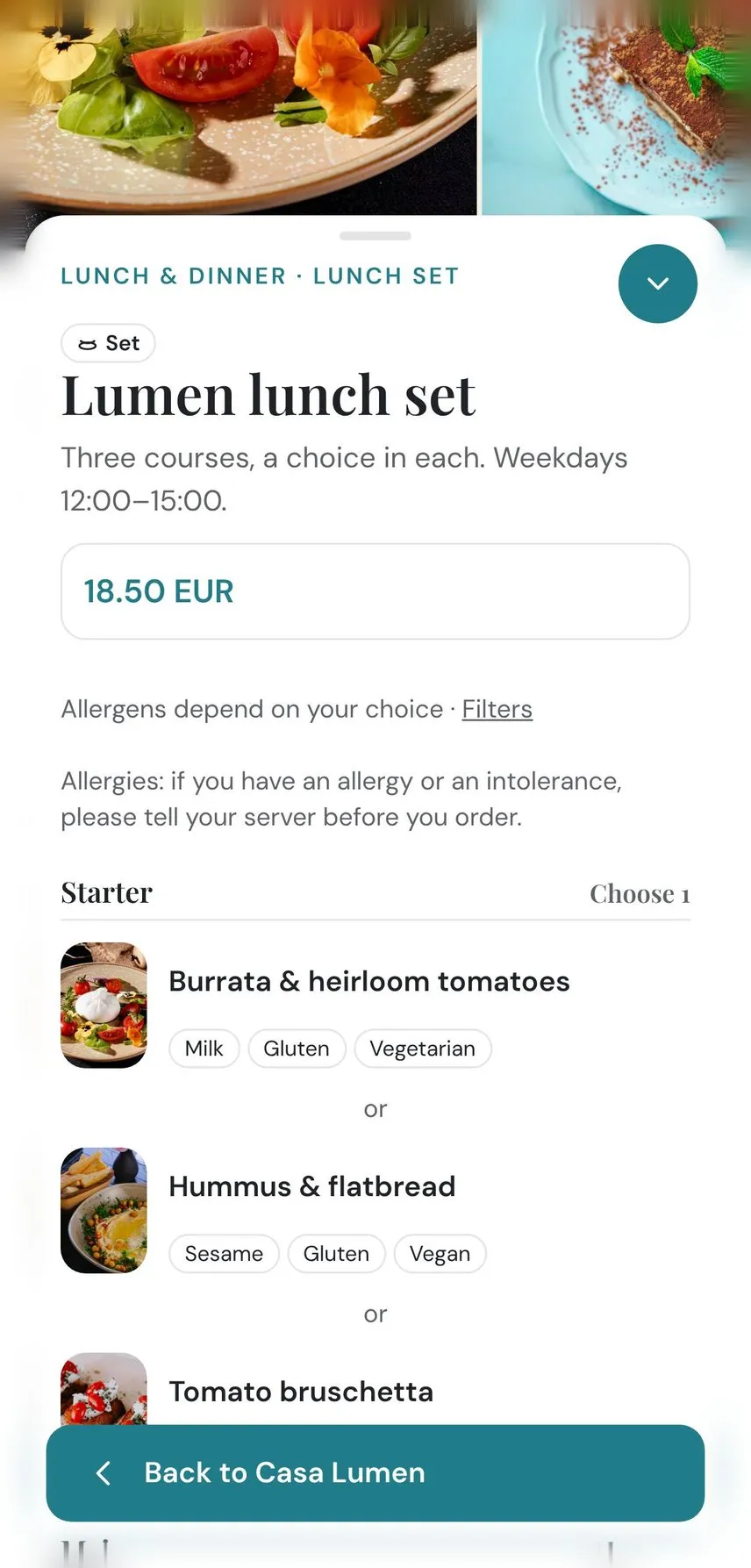
Set · Collage
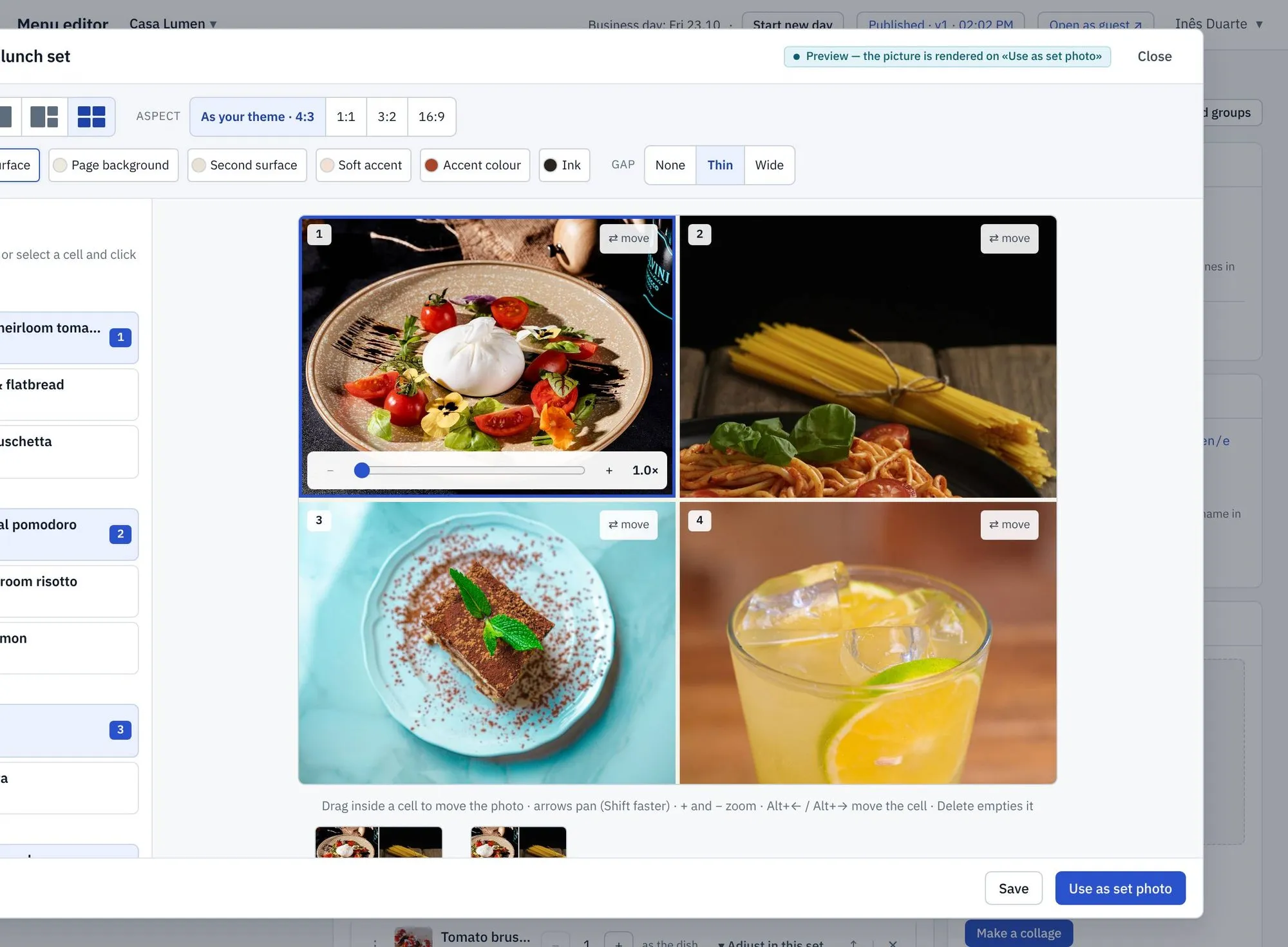
Collage editor for a set menu
Set menu page with a choice in each course
Sets and menus of the day

Set menus with real choices

Build a set with a choice in each course: a starter, a main, a dessert. One price for the guest, and VAT split correctly across the dishes chosen. Turn a set into a photo collage in one click.

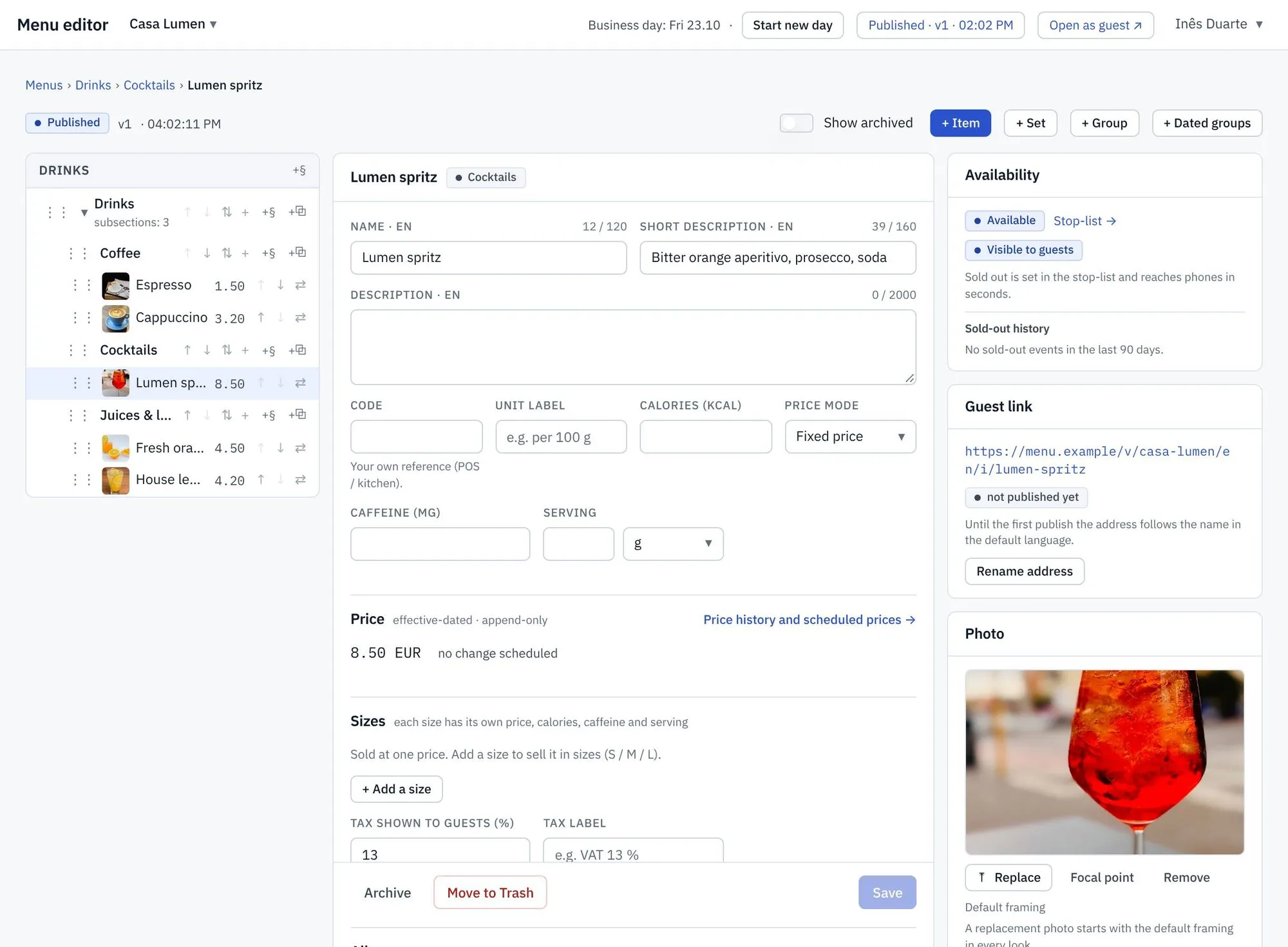
Menu editor
Menu editor with nested sections
Editing

Organise a big menu in minutes

Nest sections inside sections, drag dishes between groups, and move a dish without losing its photos or translations. Deleted something by mistake? It waits in the trash. Publish everything at once, or only the menus you choose.
Photos · Focal point
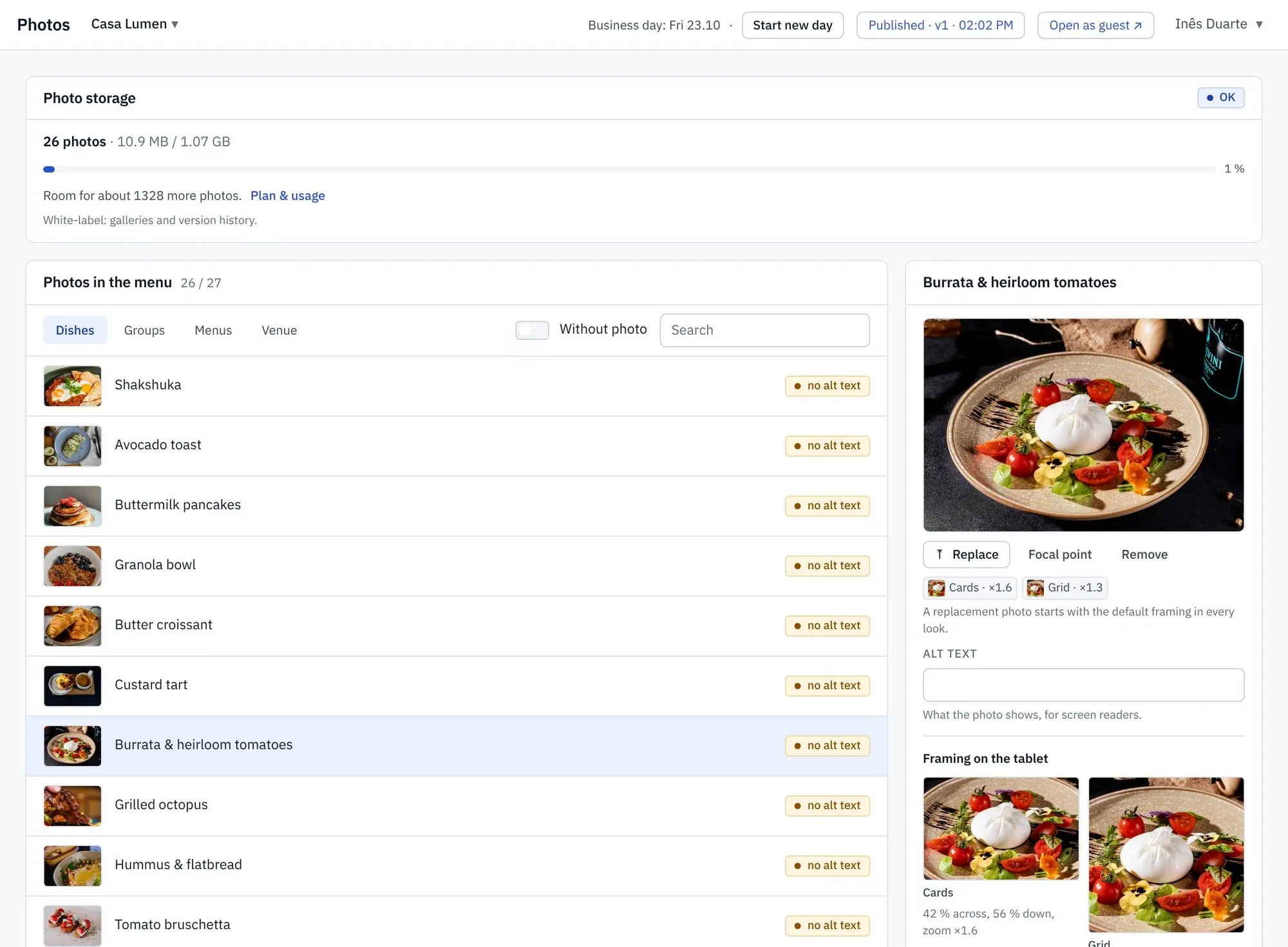
Photo with a focal point and framing previews
Photos

Every photo, framed for every screen

Upload once. Set the focal point and the photo stays well framed on a tablet, a phone and a printed menu. A media library keeps every image in one place, and AI helps you fill the gaps.

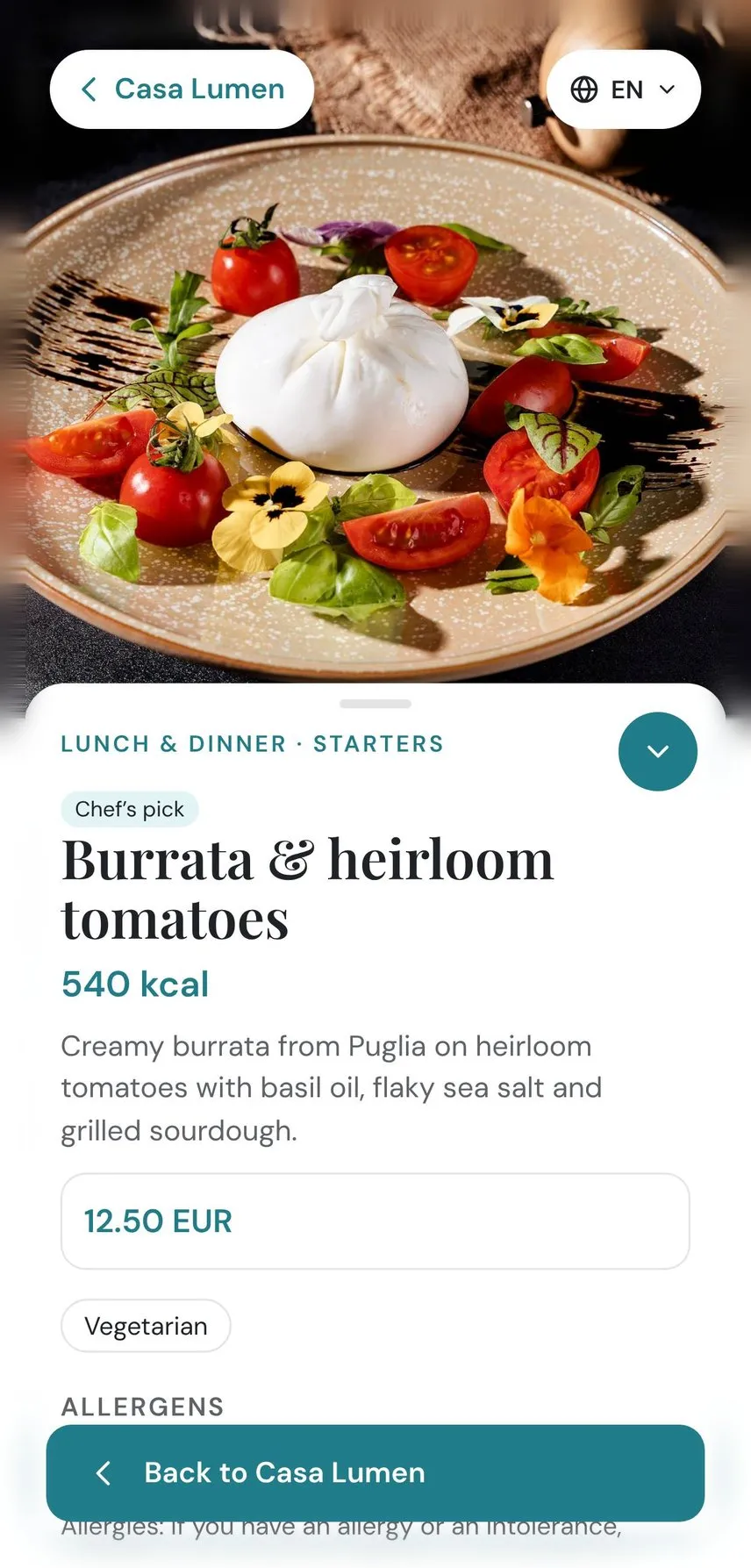
Dish page in English
The same dish in Portuguese
Every guest, in their language

Menus in the languages your guests speak

Translate dish names and descriptions, and guests switch language with one tap. Allergens and dietary marks are shown the same way in every language. Fonts are built in for Latin, Cyrillic, Greek and Arabic scripts.

Attract screen on an idle table tablet
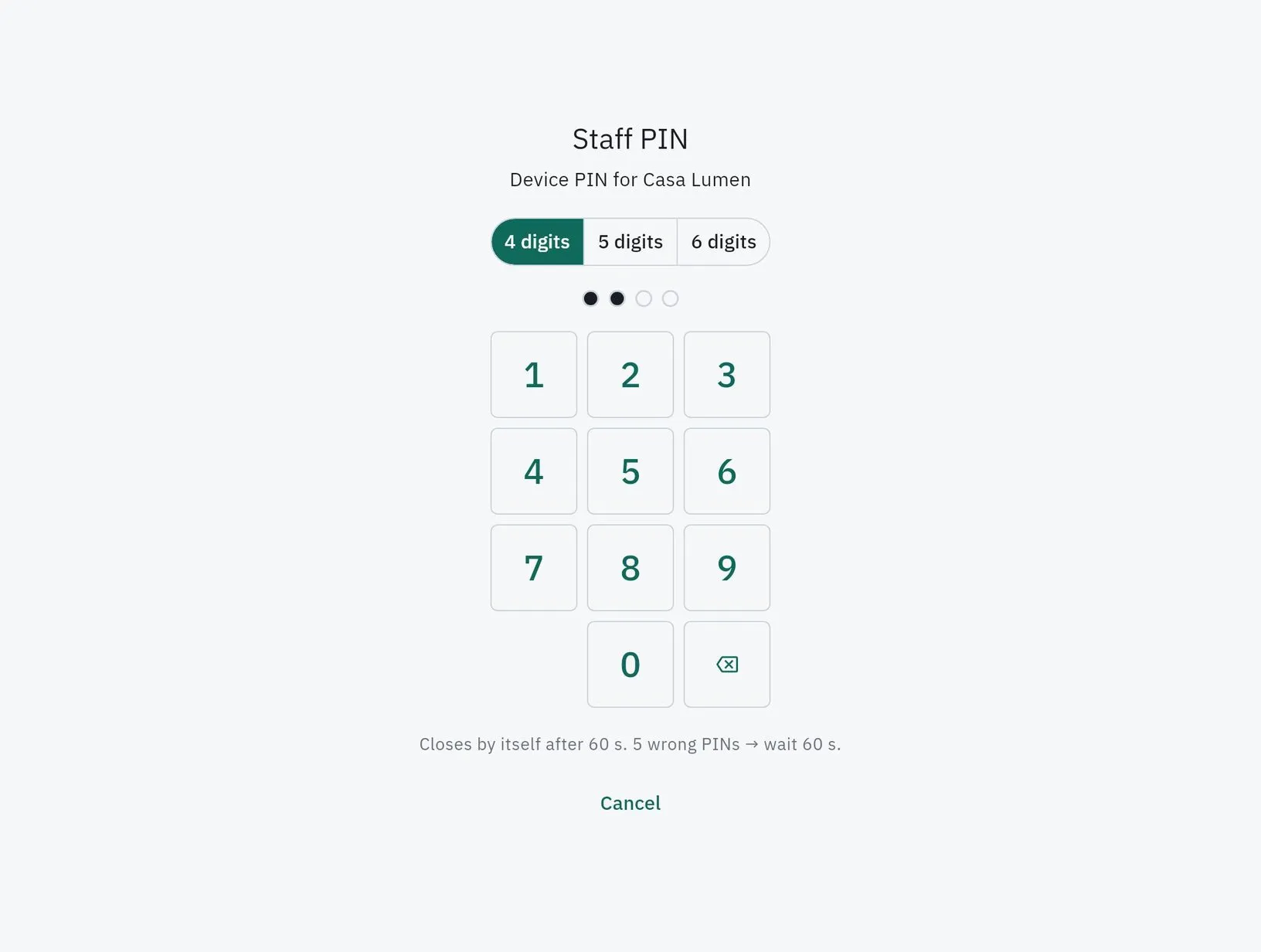
Staff panel locked behind a PIN
Table tablets that don't let you down

A tablet menu that never goes blank

Every menu update is signed, checked on the device and swapped in only when it is complete. If anything goes wrong, the tablet keeps the last good menu. The tablet locks into kiosk mode, shows an attract screen when idle, and opens the staff panel only with a PIN.

Order, call, pay — from the table

From browsing to paying, without waiting

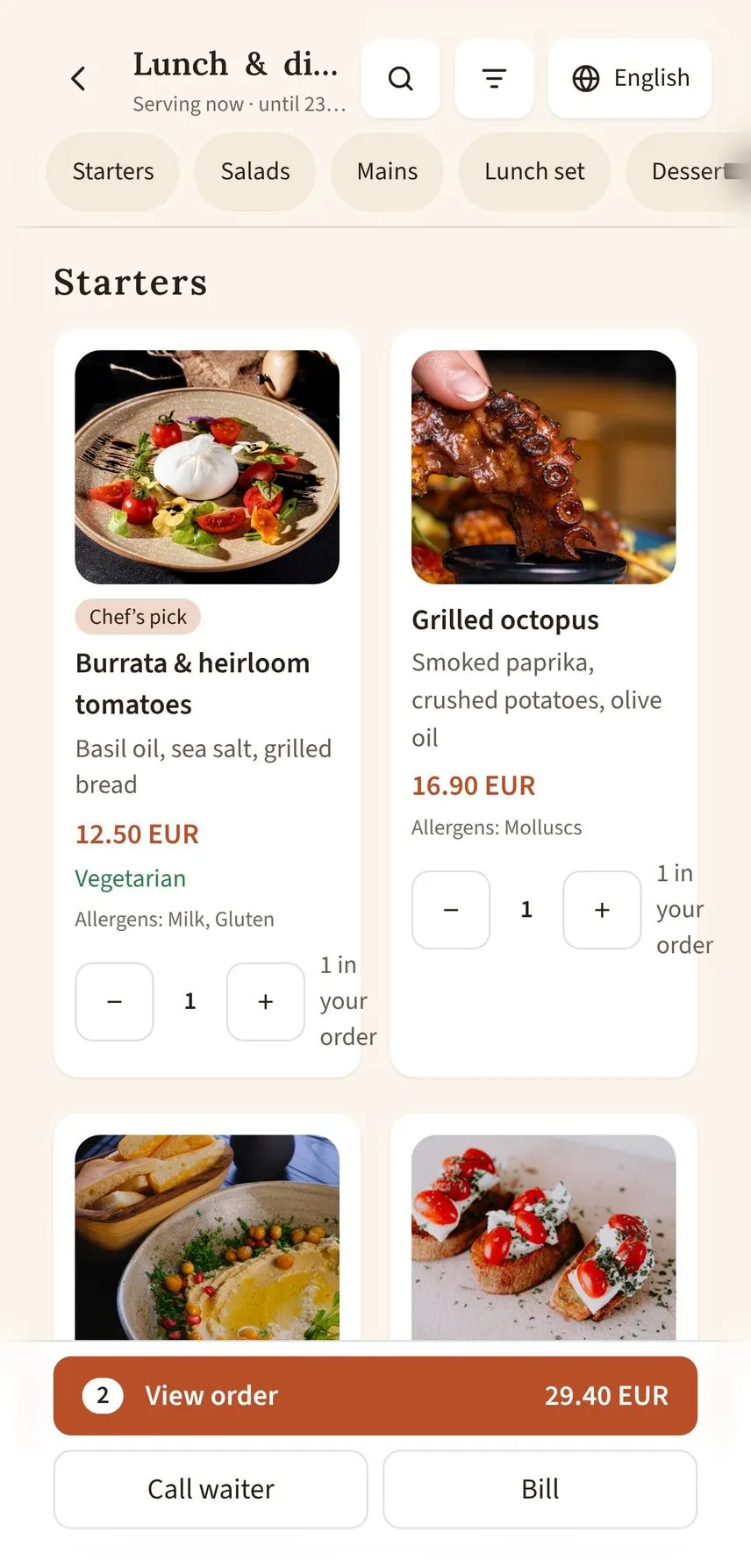
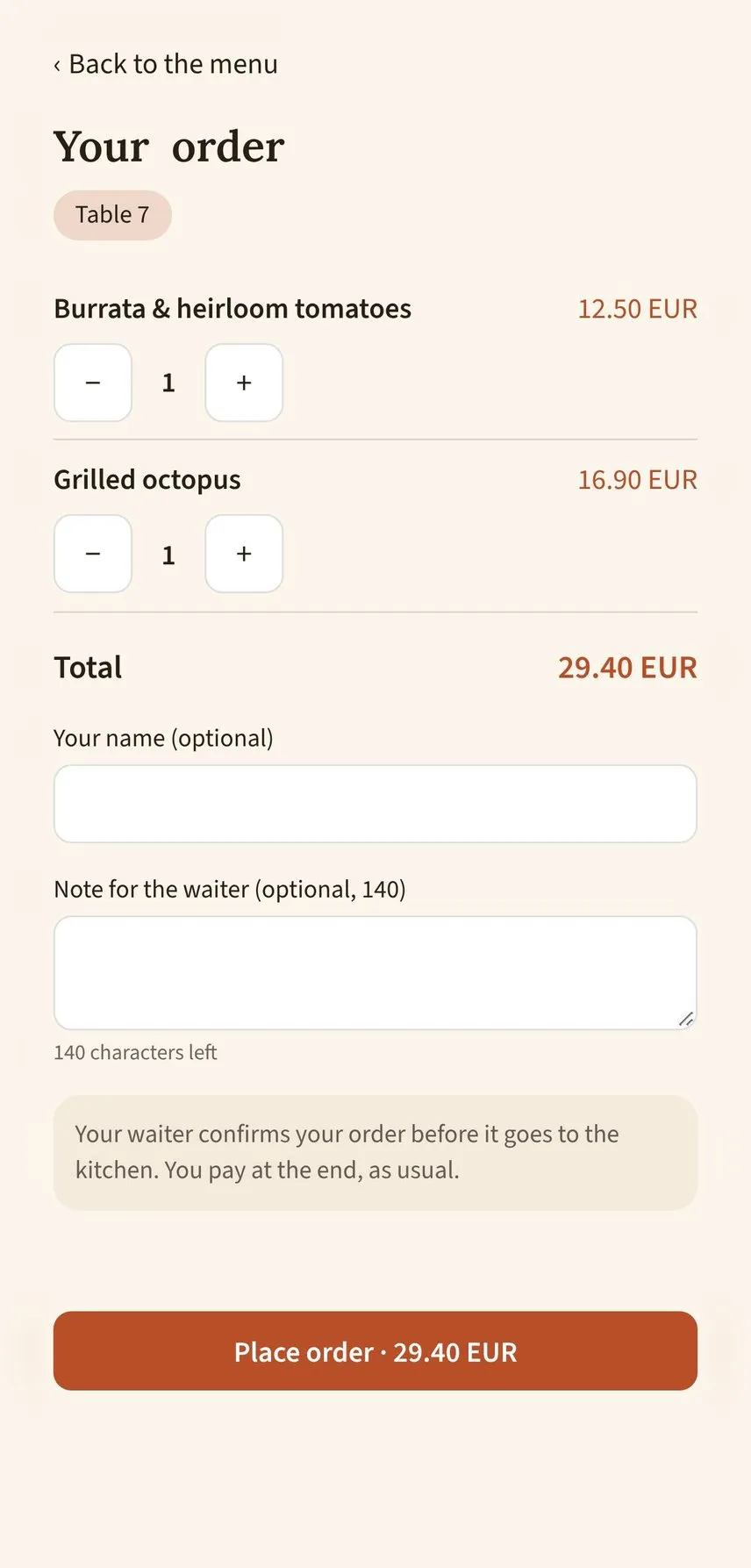
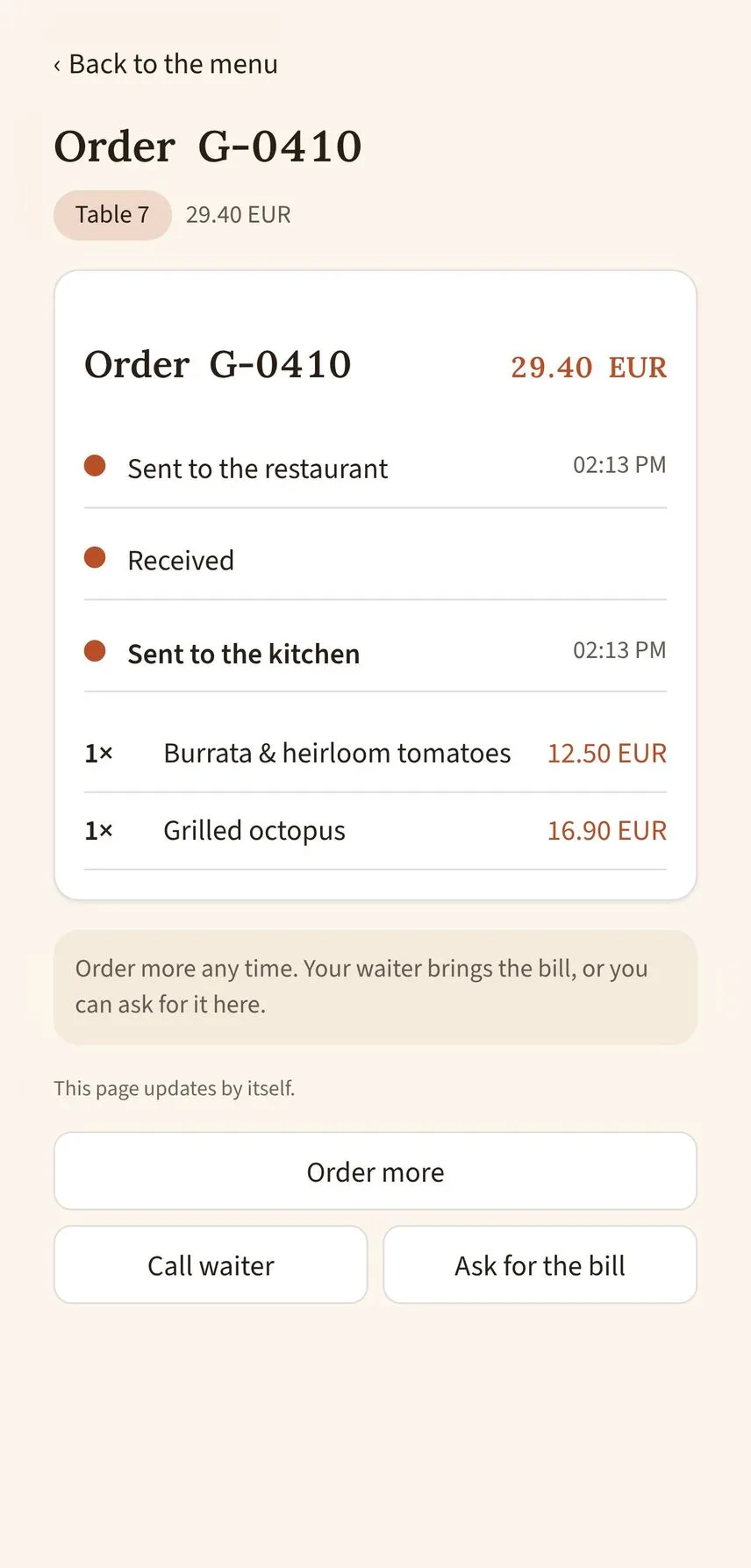
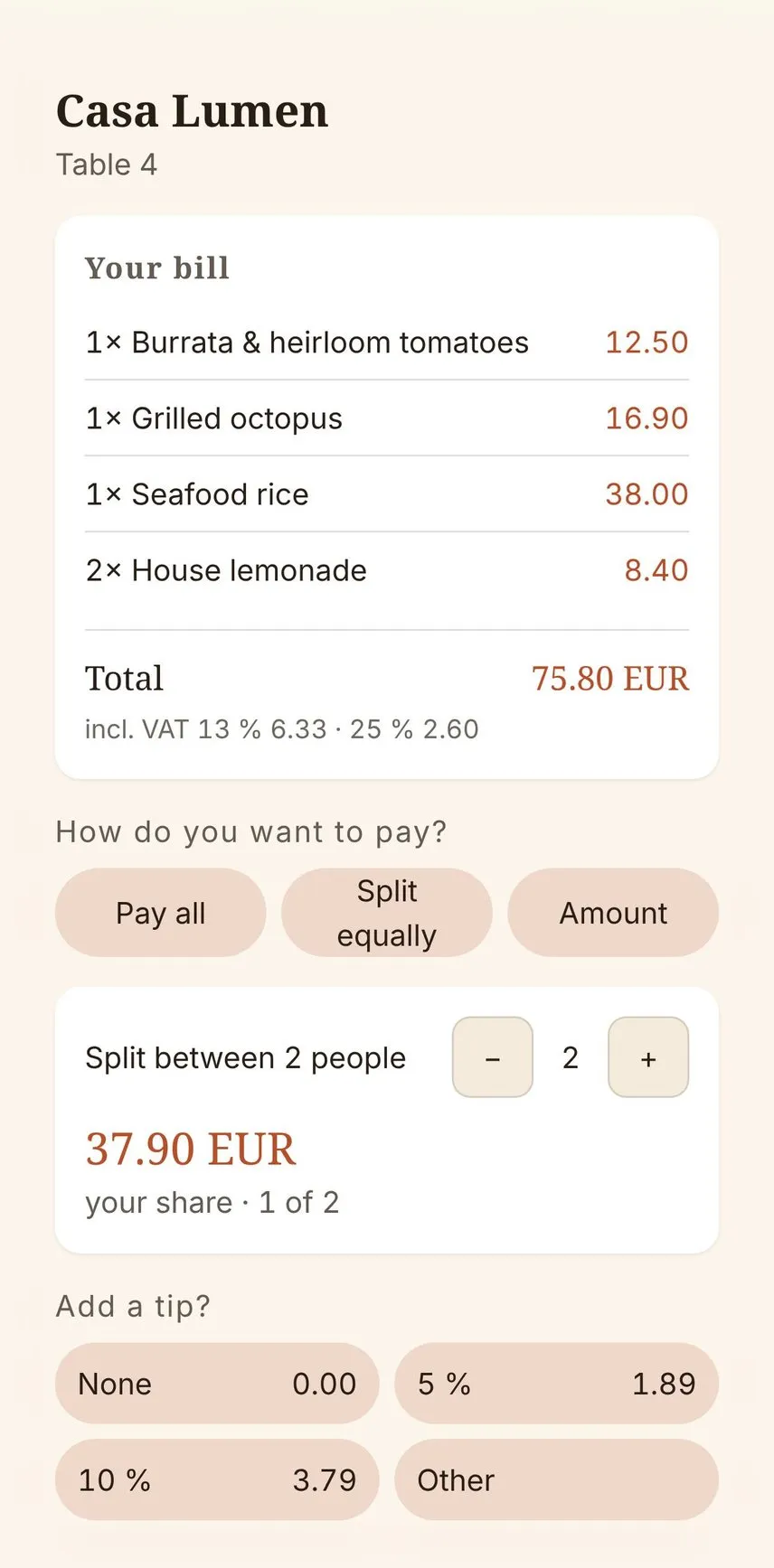
Guests order from the table, call a waiter or ask for the bill with one tap. Orders go straight to the kitchen printer. At the end, guests pay at the table: split the bill, add a tip, done. Connected to Tea & Key POS and hotel systems, an order can be charged to the room.

Adding dishes to an order
1 Order from the table
Order summary before sending
2 Check and send
Order status sent to the kitchen
3 Follow the order
Bill split between two people with a tip
4 Split and pay

Bring your menu with you

Import your existing menu, with dishes, sections, prices and photos, and check everything before it goes live.

Insights without tracking people

See which dishes guests open, which sections they skip and when they browse, all anonymous and at menu level. Guests can leave feedback straight from the menu.

Design examples show how a menu can be assembled in the Tea & Key editor. Dish photos are illustrative.

Your menu, always ready

Edit once, see it live, and your guests get the same menu on every table, phone and printed page.